
SHOPIFY INTEGRATION
How Airbnb Reached New Global Markets Using Universally
Connect Universally to Shopify, no coding needed. Translate products, pages, menus, and storefront content with AI accuracy.
How It Works
Set Up in Minutes

1. Install Universally
Add the Universally app to your Shopify store in one click.

2. Connect your website
Securely link your store to Universally.

3. Select languages
Choose from 110+ languages based on your target markets.

4. Publish translations
AI translates everything instantly, review and go live.
Why Shopify Stores Trust Universally for Global Growth
From small startups to global enterprises, Shopify merchants trust Universally to expand into new markets with ease.

Product translation catalog
Translate product catalogs instantly
Your entire Shopify product catalog: titles, descriptions, variants, options, gets translated automatically with AI precision.
- Variant names
- Collections
- Product pages
SEO-ready
SEO-Ready Translations for Every Market
Universally automatically translates your meta titles, descriptions, alt text, and product schema, helping your Shopify store rank in every target language.
- Multilingual meta titles & descriptions
- Translated alt text for better image SEO
- Product schema localization


Auto-sync updates
Auto-Sync New Products and Updates
Whenever you add or edit products in Shopify, Universally syncs and updates translations automatically, so your multilingual store is always up to date.
- New products translated instantly
- Edits sync across all languages
- No manual re-translation required
Shopify integration
Works with Your Shopify Themes and Apps
Universally integrates seamlessly with most Shopify themes and third-party apps, ensuring your translations appear consistently across your entire storefront.
- Compatible with major Shopify themes
- Works with product, cart, and checkout apps
- Consistent multilingual experience

Why Multilingual Stores Grow Faster on Shopify
Expanding your Shopify store into multiple languages helps you reach new audiences, improve user experience, and increase conversions.
Latest tips and tricks
Stay ahead with expert translation insights, multilingual strategies, and WordPress localization tutorials to grow globally.
Frequently asked questions
Get answers to the most common questions about using Universally to create multilingual websites that actually convert international visitors.
Will Universally slow down my website?
No. Universally processes your translations through a global, high-performance network. Because the translation work happens on our servers rather than yours, your WordPress site remains lightning-fast, delivering translated pages to international visitors almost instantly.
How accurate is the AI translation compared to human translators?
Our advanced AI delivers highly accurate, context-aware translations that rival human quality for everyday web content. To ensure absolute perfection for your specific brand, you can use our AI-Powered Glossary and Custom Translation Rules to lock in specific terminology, industry jargon, or manually tweak any phrase.
Can I use Universally with my existing WordPress theme and plugins?
Absolutely. Universally is designed to be fully compatible with your existing setup. Whether you use custom themes, popular page builders, or complex e-commerce plugins, our translation layer adapts seamlessly without breaking your design or layout.
What happens to my SEO rankings when I add multiple languages?
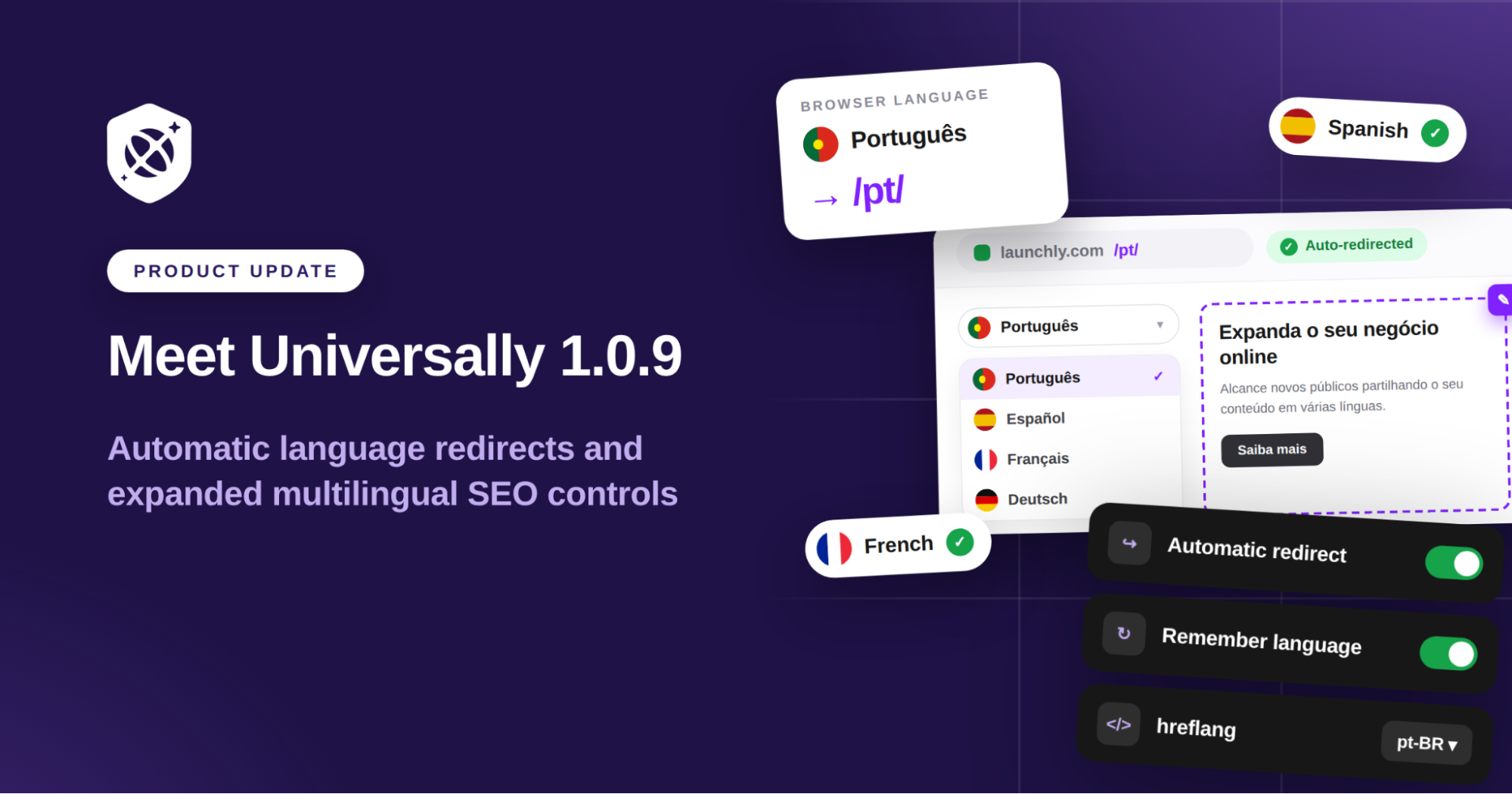
They are positioned to grow. Universally is built completely around Multilingual SEO best practices. We automatically create dedicated, indexable URLs for each language and handle all the necessary background tags (like hreflang). This ensures search engines properly index your localized content, helping you capture organic traffic from around the world.
Do I need technical knowledge to set up multilingual functionality?
Not at all. We built Universally to be entirely plug-and-play. Getting started is as simple as installing our WordPress plugin and connecting your account. You can have a fully translated, SEO-optimized website up and running in minutes without writing a single line of code.
Can I choose specific parts of my website to translate or ignore?
Yes! In your Universally dashboard, you have precise control over what gets translated. You can use standard CSS selectors to specifically include or exclude certain elements. This is perfect for keeping brand names, code snippets, or specific user-generated content in its original language while translating the rest of the page.
Can I exclude entire pages from being translated?
Absolutely. If you have pages that don’t need to be localized, such as specific legal documents, internal directories, or regional landing pages, you can easily exclude them via your dashboard. Those specific URLs will simply remain in your default language and bypass the translation process entirely.
Can I temporarily disable a language without losing my translations?
Yes. If you are preparing for a new market launch or auditing your content, you can easily toggle any active language off. This hides the language from your live website and language switcher, but safely retains all your saved translations and custom rules in the background. Once you are ready, just toggle it back on to go live.