

How many shoppers have found your ShopWired store, liked what they saw, and left because they couldn’t read it?
You’ll probably never know. Nobody emails to say your product description was in a language they don’t speak. They just close the tab and buy somewhere else.
You put real work into that store. Every photo, every description, and every category is set up just the way you want it. It deserves to be read by everyone who finds it.
Starting today, it can. We’re excited to introduce Universally for ShopWired!
Add one line of code to your theme, and Universally translates your product pages, categories, and store content into 110+ languages with context-aware AI. No new store to build, no plugin, no DNS change, and your URLs stay the same.
Let’s look at what changes for your shoppers.
From Product Page to “Thank You,” in Their Language
A shopper doesn’t stop reading once they find the product. They check the description, add it to their basket, and pay. Any step left in a language they don’t read is a reason to hesitate.
Universally translates the whole journey. Product names, descriptions, and categories come through in the shopper’s language, so a visitor from Paris sees “Tasse en grès” with an “Ajouter au panier” button underneath, while your Madrid visitors see “Taza de gres.”
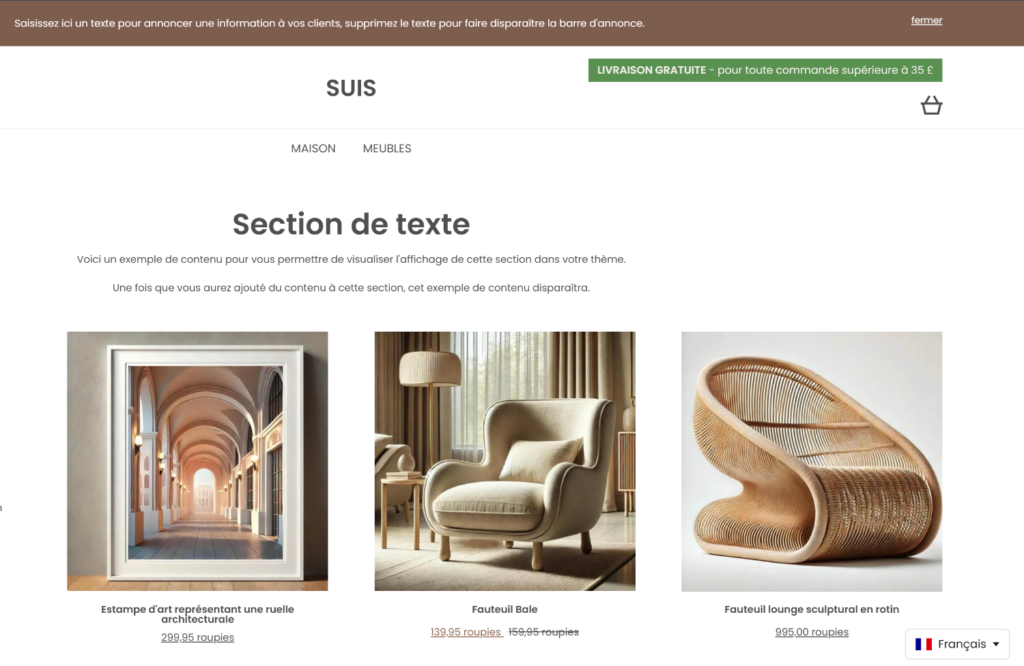
That carries on through the basket and payment steps, right up to the order confirmation.
Shoppers pick their language from the built-in language switcher, and the store they’re browsing switches with them.
Same store. Same products. Every shopper reads it like it was written for them.
One Line in Your Theme, and You’re Done
Making your store multilingual usually sounds like a project. Duplicate the catalog, set up a separate storefront for each country, and keep them all matching.
With Universally for ShopWired, you keep the store you already have. The translations are added on top of it.
Here’s how it works. First, create a project in your Universally dashboard, pick ShopWired as your platform, and choose the languages you want to sell in.
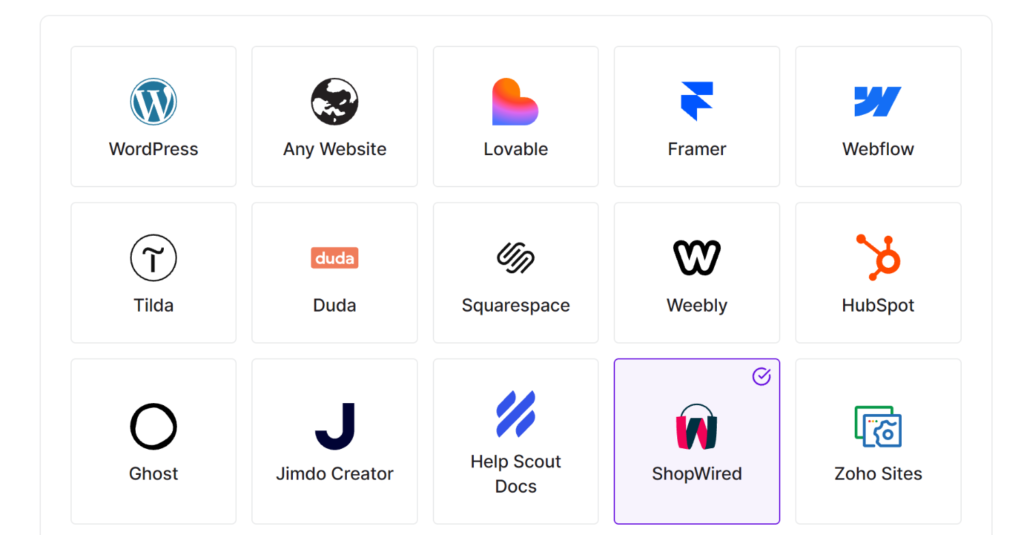
Universally will now give you a script tag to enter on your ShopWired store. It will look something like this:
<script src="https://scripts.universally.com/p/YOUR_PUBLIC_KEY/s.js" async></script>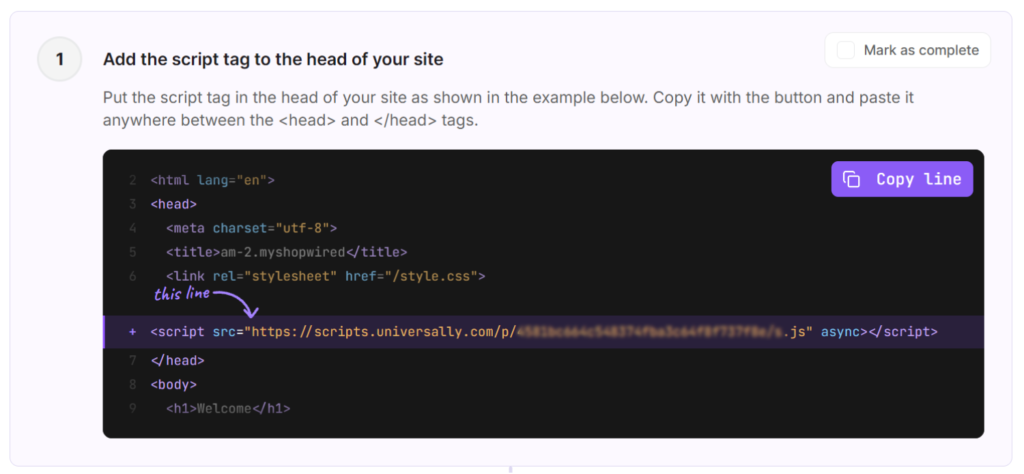
Next, you will need to add this script tag to ShopWired. Simply head to Settings » Visitor monitoring » Analytics scripts and then paste the script.
Don’t forget to click the ‘Save changes’ button to store all your changes.
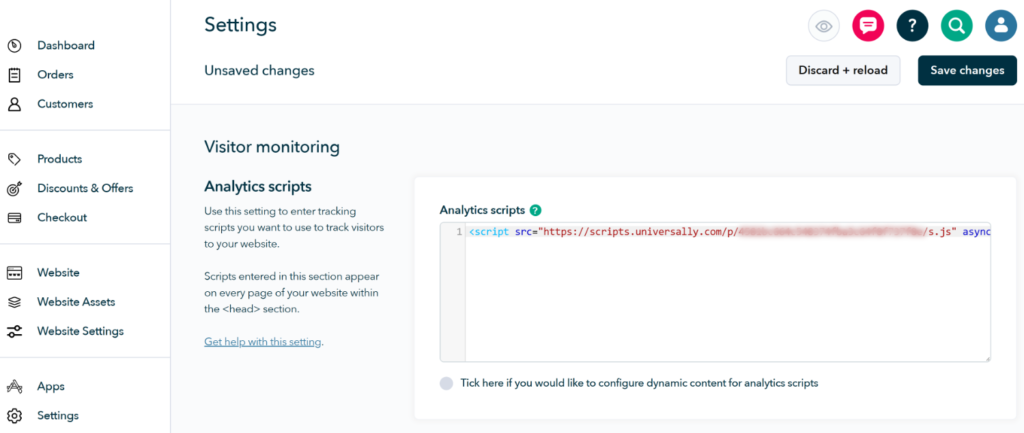
That’s it! Your translations go live, and the language switcher appears on your store.
And your store’s content stays put. The script only sends the page URL and the target language, and Universally keeps your translations on its own infrastructure, not inside your ShopWired store.
Add a Product Once, Sell It Everywhere
Stores don’t sit still. You add new stock, rewrite a description, or rename a category ahead of a sale.
With manual translations, each of those changes has to be redone in every language. Skip one, and a shopper in Tokyo reads last season’s description on this season’s product.
Universally spots new and changed text on your store and translates it automatically. You keep running your catalog in ShopWired the way you always have, and your other languages follow along.
Your catalog grows, and every language grows with it.
Ready to Welcome Shoppers From Everywhere?
That shopper in Berlin doesn’t have to close the tab anymore.
Universally for ShopWired is available now!
Create your project, paste one line into your theme, and start selling to shoppers in 110+ languages.
Get started with Universally for free!
Running your store on ShopWired? We’d love to hear how Universally works for you. Share your questions, report a bug, or suggest a feature through our contact page.


Add a Comment