
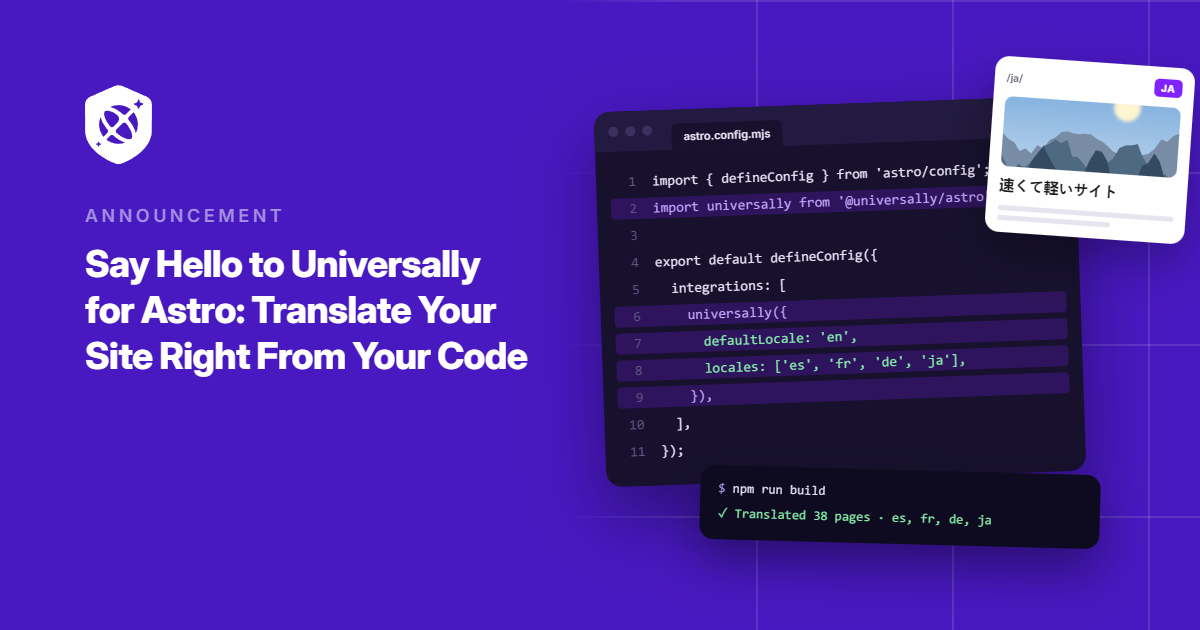
Your Astro site is fast, your code is clean, and your pages are exactly where you want them. Now imagine delivering that same experience to visitors in Spanish, French, Japanese, and 100+ other languages, without building a separate site for each one.
That’s what we’re bringing to Astro.
Meet Universally for Astro, our first SDK built for a JavaScript framework.
It brings AI-powered translation directly into your Astro project, letting you serve multilingual pages from your existing codebase, on your own domain, with server-rendered HTML.
No duplicate page folders. No sprawling translation files to maintain. Just the pages you’re already building, ready for a global audience.
And getting started takes just a few lines of code.
One Set of Pages for Every Language
With Universally for Astro, you don’t build a second site. You keep writing pages the way you already do.
With Universally for Astro, you keep your existing .astro files and serve each language at its own URL. So your /about page can become /fr/about, /es/about, and more without duplicating the page itself.
All it takes is wrapping your visible text in t() and your internal links in href(), both pulled from Astro.locals:
---
const { t, href } = Astro.locals;
---
<h1>{t('Plan your next trip')}</h1>
<p>{t('Find flights, hotels, and tours in one place.')}</p>
<a href={href('/pricing')}>{t('See pricing')}</a>
On your source-language pages, t() hands back your original text untouched. On a translated page, it returns the translation, and href() adds the right language prefix so visitors stay in their language as they click around.
Need to tweak a phrase? Open the string in your Universally dashboard and edit it there. Your glossary rules apply too, so brand names and product terms come out the way you want in every language.
You can see every option in our guide to translating pages in Astro.
Setup Takes a Few Lines, Not a Rewrite
Getting started looks a lot like adding any other Astro integration.
First, create a new project in your Universally dashboard, choose Astro as your technology, and select SDK on the Setup Instructions screen.
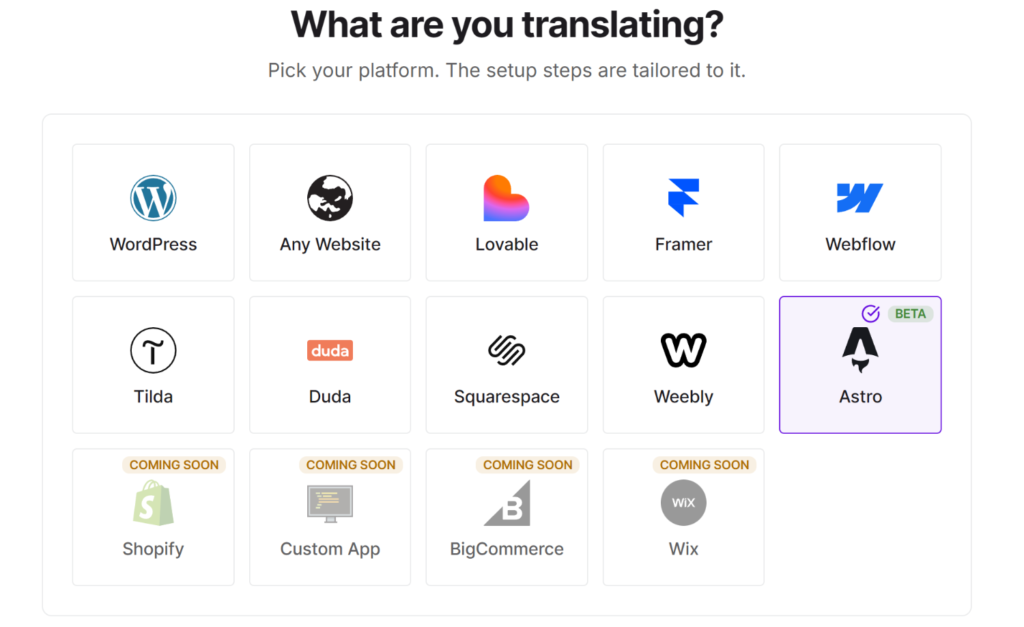
Next, install the package:
npm install @universally-sdk/astroIt works with pnpm, yarn, and bun as well.
From here, add your project’s API key to .env as UNIVERSALLY_API_KEY, then register the integration in astro.config.mjs.
And it will look something like this:
import { defineConfig } from 'astro/config';
import node from '@astrojs/node';
import universally from '@universally-sdk/astro';

export default defineConfig({
  site: 'https://example.com',
  output: 'server',
  adapter: node({ mode: 'standalone' }),
  integrations: [universally()],
});
Finally, drop <UniversallyHead /> into your layout’s <head>. It adds hreflang links and the language switcher, so there’s nothing else to wire up.
That’s it! Add a target language in your dashboard, restart your dev server, and open /fr/about to see your page in French.
Universally for Astro works with Astro 5 or newer, for both server-rendered and static sites. For the full walkthrough, follow our guide to installing the Astro integration.
Your Pages Never Wait on a Translation
Adding languages to a site shouldn’t slow it down. We designed the SDK around that.
When your server or build starts, Universally loads your translations into memory. Every t() call is a quick in-memory lookup, so no visitor ever sits waiting on a translation request.
Adding new content works the same way. When you ship a page with new text, the first visitor sees your original wording while Universally translates the new strings in the background. The translated version usually shows up on a later render within a second or two.
Edits you make in the dashboard reach your live site through a signed push, and your server also checks for changes every 60 seconds by default. Running a static site? Your translations are baked in at build time, and a quick rebuild picks up anything new.
Our translation updates guide covers exactly how this works on each setup.
You keep shipping. Your translations follow along.
Ready to Take Your Astro Site Global?
The next time someone asks for a Spanish version, you won’t need to copy folders or manage a pile of translation keys.
Universally for Astro is available now in Beta!
Install the package, wrap your text in t(), and start welcoming visitors in 110+ languages.
Get started with Universally for free!
Since this is our first framework SDK, your feedback will shape where it goes next. Building something with it? Tell us what’s working, report a bug, or suggest a feature through our contact page.


Add a Comment