
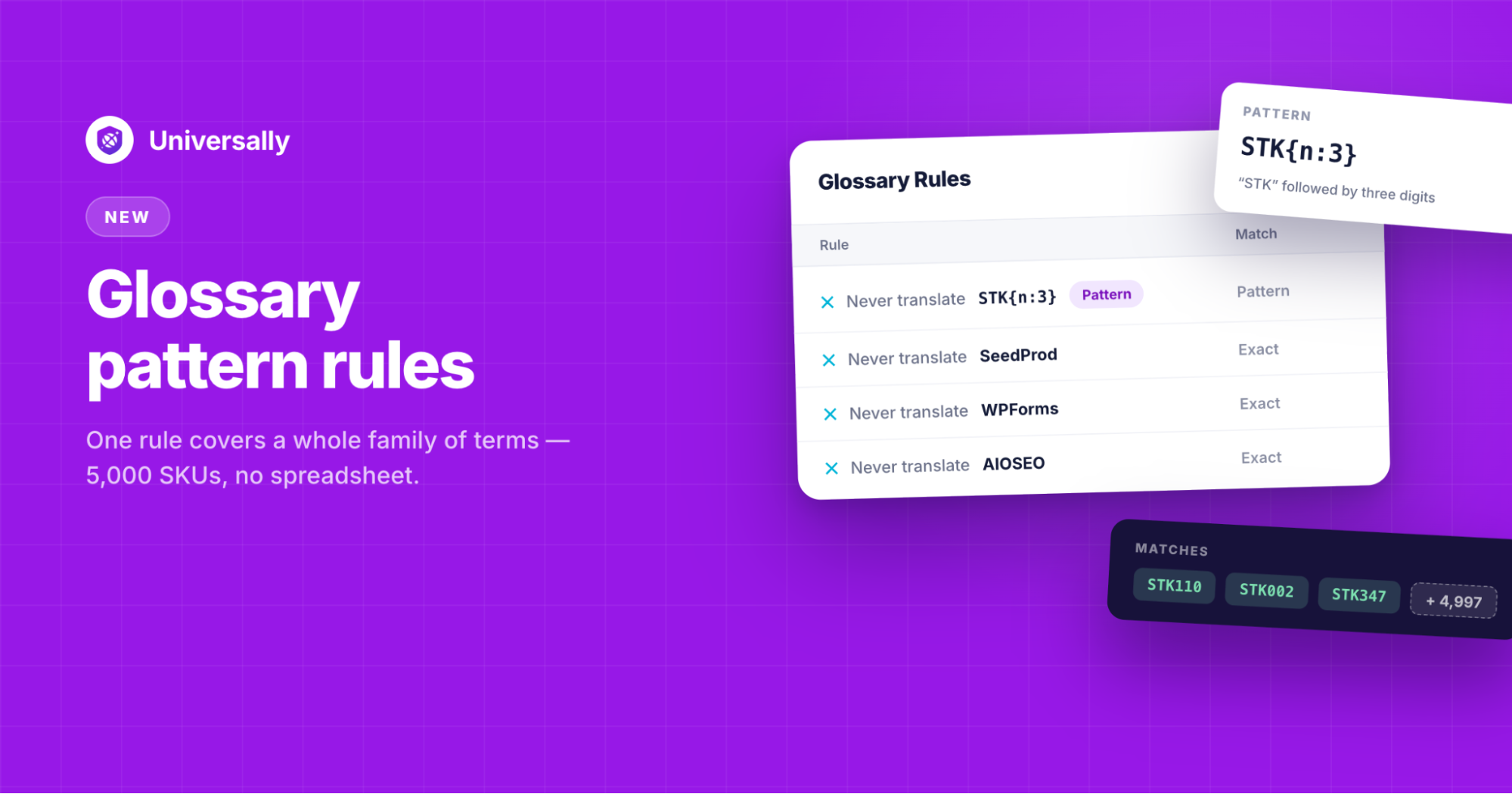
Ever stared down a spreadsheet of 5,000 SKUs and thought, “There’s no way I’m adding a glossary rule for every single one of these”?
We’ve been there. Before pattern rules, that was actually the only option: one exact-match rule per term, no shortcuts.
That changes today. We’re thrilled to introduce pattern rules for your translation glossary in Universally. Now, let one rule cover an entire family of terms instead of just one.
Let’s look at the details…
Add Pattern Rules to Your Glossary
Setting up a translation glossary is the best way to protect your brand voice. You can keep your company name, products, brands, and other terms from being translated by adding a rule to the glossary.
But what if you have hundreds and thousands of products, features, or brands?
Let’s say your eCommerce product codes look like STK110, STK002, STK347, always three letters, always followed by three digits.
Instead of typing out a rule for each code, you can now write one pattern to cover them all. For example, the STK{n:3} pattern rule would cover the product codes. That’s it.
Every code that matches the shape gets picked up automatically, including ones you haven’t added yet.
If your catalog grows next month, you don’t touch the glossary. The rule already covers it.
How to Set It Up?
To create a pattern rule, go to your Project » Glossary » Add Rule.
From here, you can set Match to Pattern and enter a Term.
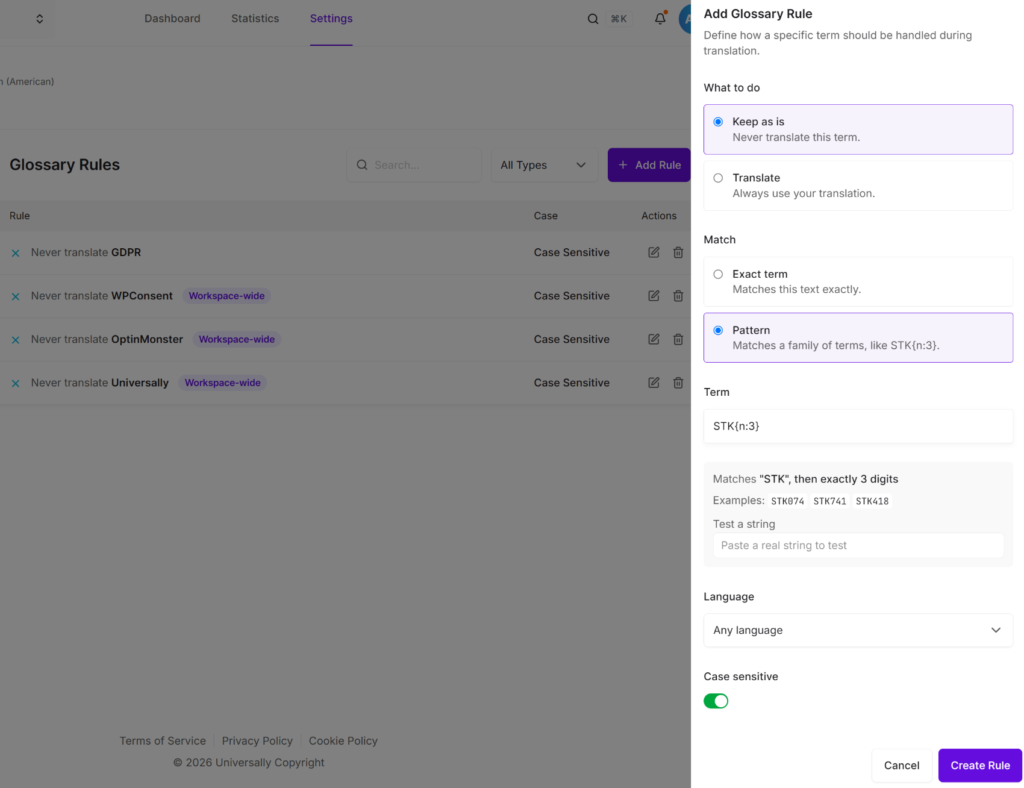
As you type, the drawer shows you a plain-language preview of what your pattern actually means, and you can test it against a real string before you save.
No guessing, no waiting to find out on a live project whether it worked
The best part is that your existing rules aren’t touched by this. Exact-match rules keep doing exactly what they’ve always done.
Pattern rules are just a new tool sitting next to them for the cases where one term isn’t the point; a whole family of terms is.
Want the Full Rundown? We’ve put together the complete guide with more examples here: Glossary Pattern Rules documentation.
If you’re managing anything with structured codes, SKUs, part numbers, ticket IDs, then the pattern rules take less than five minutes to set up and give you peace of mind.
So give it a try today and get started with Universally free!
If you have any questions or need help setting up glossary pattern rules, then feel free to reach out to us.


Add a Comment