
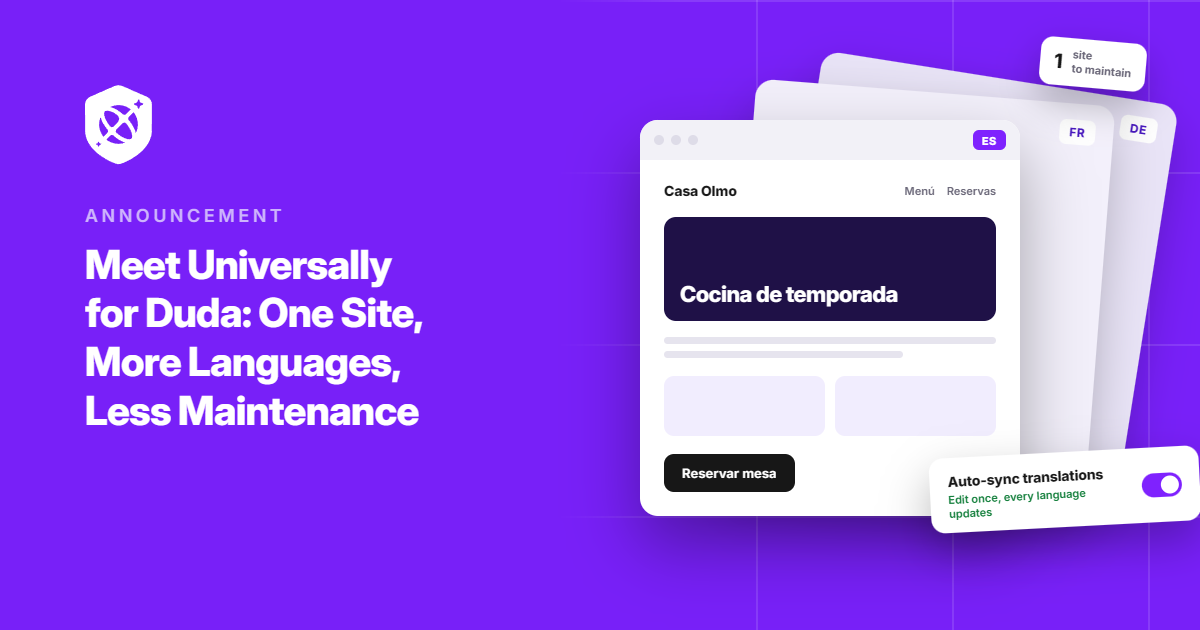
Your Duda site can now speak to visitors in 110+ languages.
We’re excited to introduce Universally for Duda, bringing context-aware AI translation directly to your Duda websites.
Getting started takes just one line of code. Add the Universally script to your Duda site, choose the languages you want to offer, and visitors can switch between them without you having to rebuild your pages or create separate versions of your site.
That means you can keep building and managing your Duda site exactly as you do today while making it accessible to visitors around the world.
And that’s where the combination gets really interesting. Duda gives you the tools to build the site. Universally makes it possible to make that site multilingual without adding a whole new layer of pages to manage.
Let’s see how it all works.
Keep One Duda Site. Reach More People.
Duda already has built-in tools for creating multilingual websites. But adding languages this way creates additional versions of your site, which means more pages to manage.
Changes made to one language don’t automatically sync to the others, and Duda notes that multilingual sites are subject to a total page limit of around 200 pages.
There are also some types of content that require additional work or aren’t automatically translated, including certain SEO fields, image alt text, dynamic business content, and custom widgets.
Universally takes a different approach.
Instead of creating a separate version of your Duda site for every language, Universally translates your existing site for visitors in their browser. Your Duda site stays your single source of truth, so you can update your content once without having to keep multiple language versions in sync.
Your existing URLs stay the same, too. Visitors simply choose their language and view the translated version of the page they’re already on.
One site to build. One site to maintain. 110+ languages to reach.
That’s the power of combining Duda with Universally.
Add Universally From Your Duda Settings
Ready to give your Duda site a multilingual upgrade? Getting started is simple.
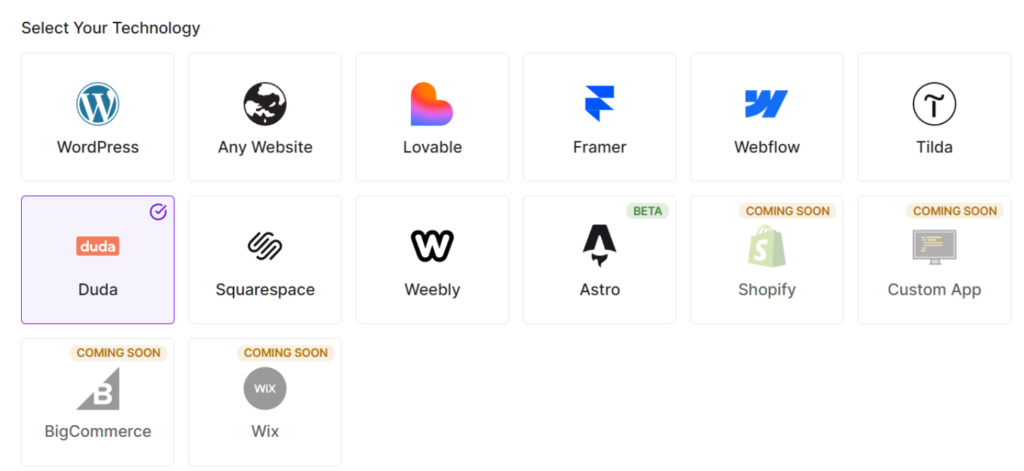
To get started, create a new project in your Universally dashboard and select Duda under Select Your Technology. Then enter your site’s domain, give the project a name, and check that the source language is correct.
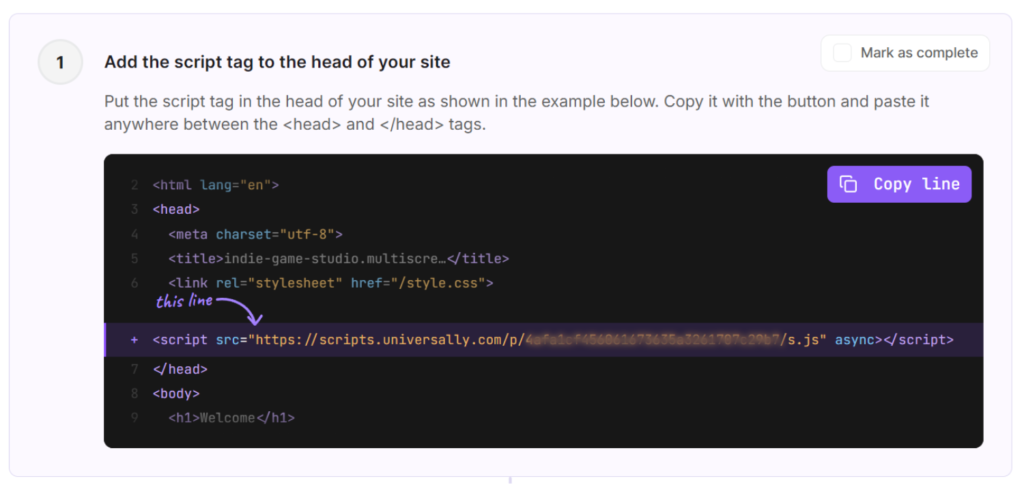
Next, Universally gives you a script tag with your project’s public key. It looks like this:
<script src="https://scripts.universally.com/p/YOUR_PUBLIC_KEY/s.js" async></script>
Go ahead and click Copy line.
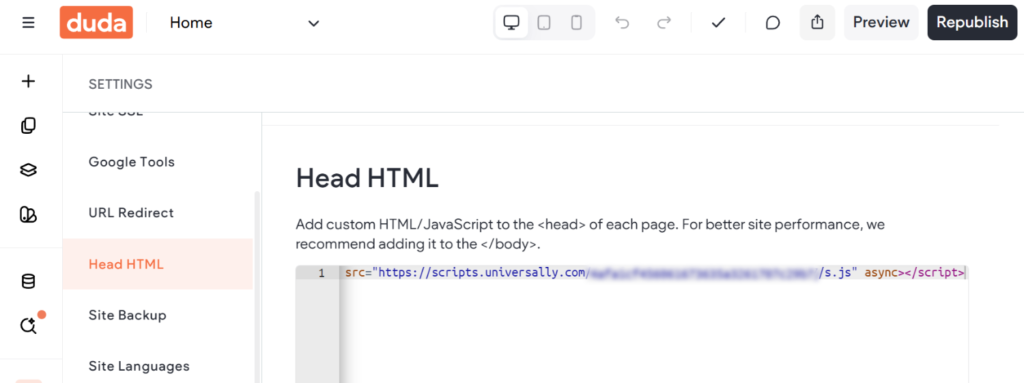
Over in the Duda editor, you can head to Settings for your website.
From there, select Head HTML, paste the line into the field, and click Save. Because this field applies to every page, your whole site is covered in one go.
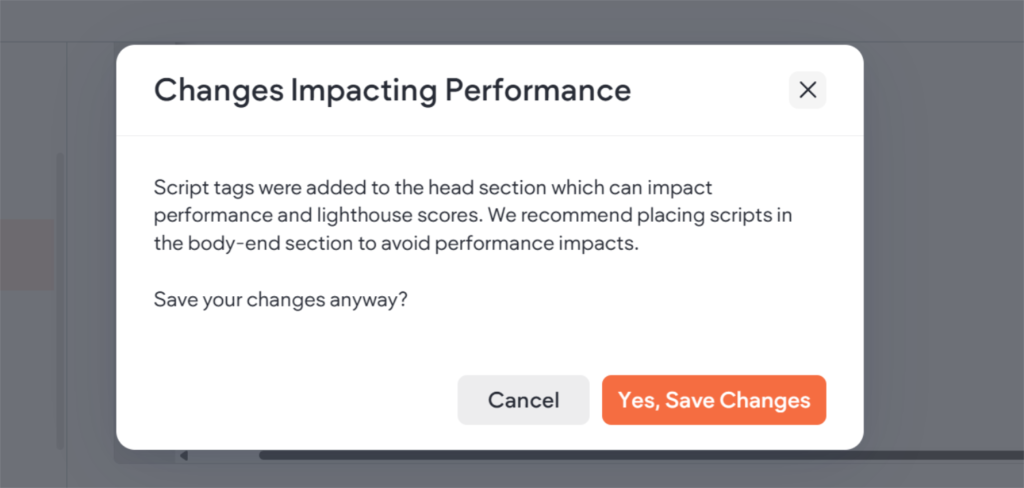
Duda will then show a Changes Impacting Performance message, since it flags any script added to the head. You can click Yes, Save Changes here.
The Universally script loads with the async attribute, so it won’t hold up your pages while they load.
Once you republish your site, head back to Universally and click Check connection. Universally loads your home page to confirm the tag is in place. Then you can pick the languages you want and click Finish.
Our guide to installing Universally on Duda walks through every screen if you’d like a hand along the way.
Visitors Pick a Language, Your URLs Stay Put
As soon as a language is live, a language switcher appears in the bottom-right corner of your Duda site. It comes inside the same script, so there’s nothing extra to build in the editor.
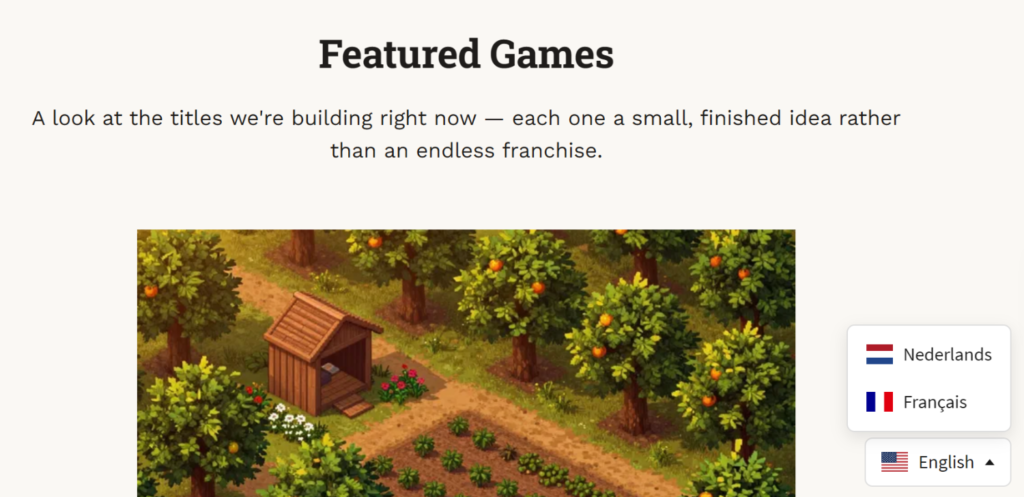
When a visitor chooses a language, Universally translates the page right in their browser.
Your layout stays intact. Your URLs stay the same. Your Duda site stays where it is.
There’s no need to create a separate page for every language or send visitors to a different version of your site.
What About SEO?
One of the benefits of keeping your existing pages and URLs is that Universally doesn’t require you to restructure your Duda site to add multilingual SEO support.
Your original Duda pages remain at the same addresses, while visitors can view translated content on those pages.
That means you can add multilingual functionality without creating a new URL structure for every language.
Translate Your Duda Site Today
Universally for Duda is live now. All it takes is a project, one line in the Head HTML, and a republish, and your site is ready for visitors in 110+ languages.
If you build Duda sites for clients, we’d especially like to hear how it fits into your workflow. Questions, feedback, or something you’d like us to add? Let us know.


Add a Comment