
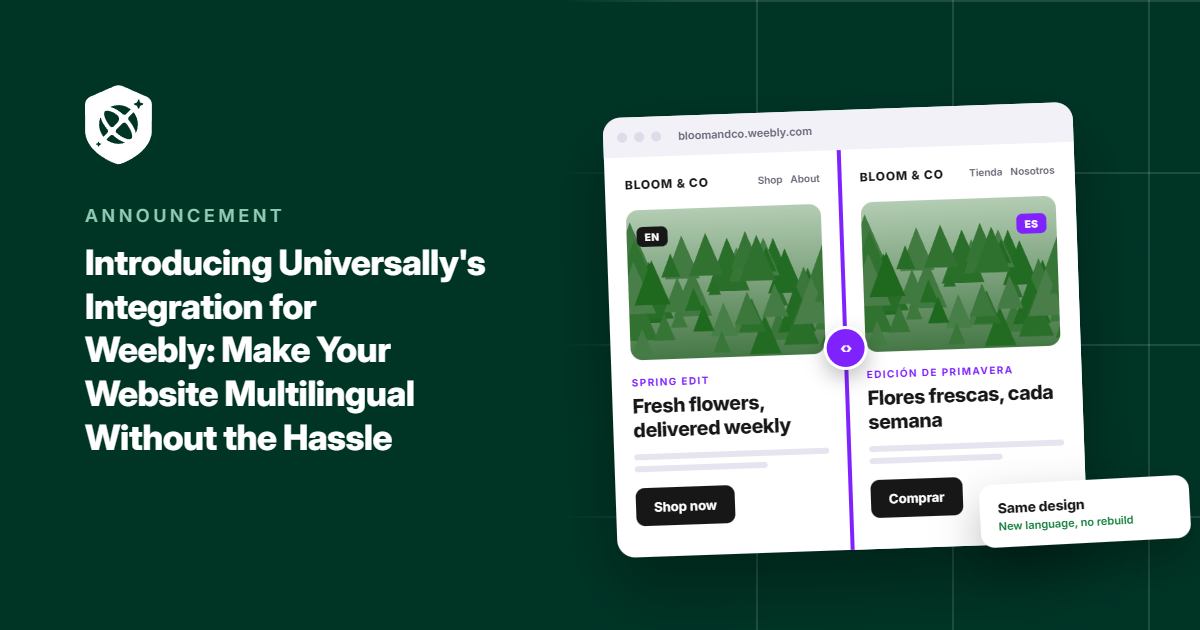
Your Weebly site could be reaching people in Spain, Brazil, Japan, and dozens of other countries. But if they can’t understand your content, you could be missing opportunities to connect with them.
Today, we’re making it easier to change that.
Meet Universally for Weebly!
With just one line of code, you can translate your Weebly website into 110+ languages using context-aware AI.
No rebuilding pages. No juggling separate versions of your site. No manually translating every update.
Here’s what that means for your website.
One Website. 110+ Languages.
Expanding into new languages shouldn’t mean rebuilding the website you’ve already worked hard to create.
Universally translates your existing Weebly pages while preserving your layout, images, and design. Your page content, titles, meta descriptions, image alt text, and form placeholders can all be translated with context-aware AI.
And you’re never locked into the original translations. If something doesn’t sound quite right, you can edit it directly from your Universally dashboard.
Your website stays yours. Now, more people can experience it in their own language.
A Simpler Way to Go Multilingual
You don’t need a developer or a complicated installation process to get started with Universally for Weebly.
Create a project in your Universally dashboard, select Weebly as your technology, and enter your domain and project details.
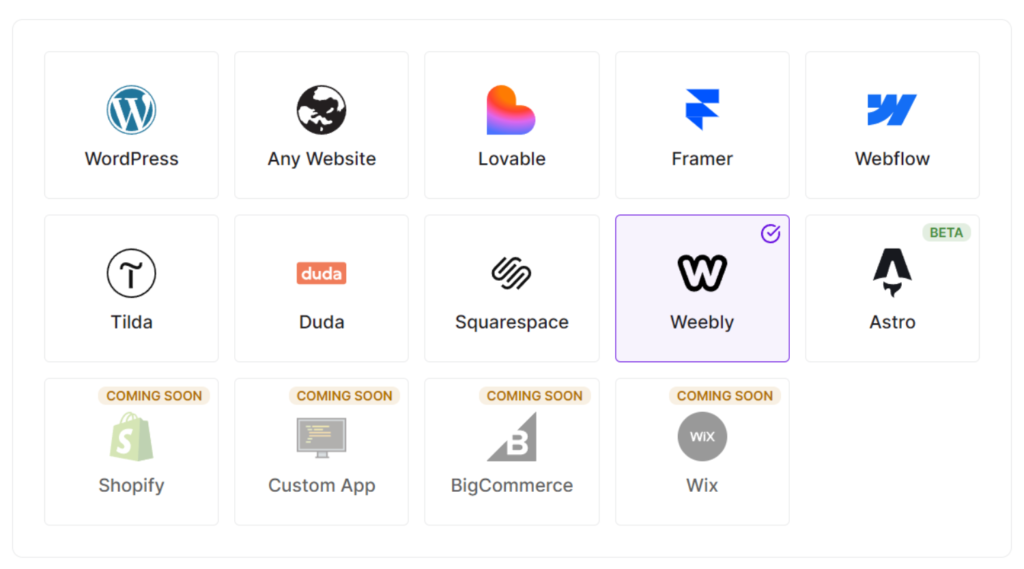
Universally will generate a script tag that connects the two.
Your script will look something like this:
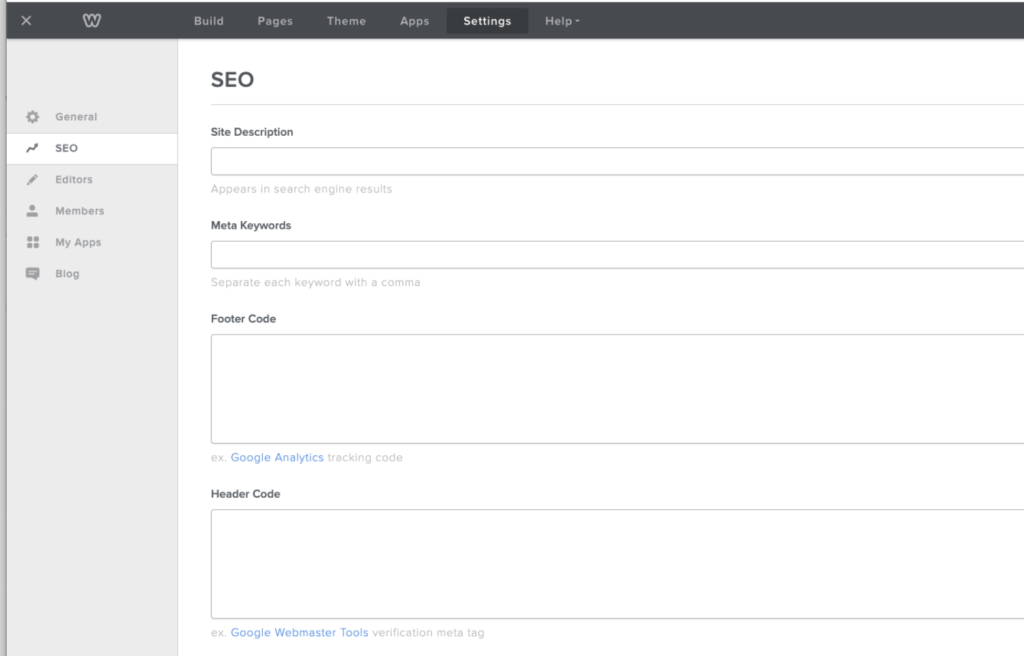
<script src="https://scripts.universally.com/p/YOUR_PUBLIC_KEY/s.js" async></script>From there, head to Edit Site » Settings » SEO in the classic Weebly editor and paste the script into the Header Code field.
Save and publish your site, then return to Universally and click Check connection to confirm everything is working.
That’s all it takes to connect your site. No plugin to install and no DNS records to change.
Once connected, you can configure your languages and decide when to make them available to visitors.
For more details, see our guide to installing Universally on Weebly.
Note: Universally for Weebly supports the classic Weebly editor, not Square Online.
A Seamless Experience for Every Visitor
A multilingual website should feel natural to use, not like a collection of disconnected translations.
Universally can automatically match first-time visitors to their browser language when that language is live on your site. Visitors can also choose their preferred language from a switcher in the bottom-right corner, complete with flags and language names.
The switcher comes with the same script, so there’s nothing extra to configure in Weebly.
When visitors switch languages, the page reloads in their selected language at the same address. Your existing page URLs remain unchanged.
And you decide when to go live. Installing the script won’t change your visitors’ experience on its own. Simply add a language and enable its Live switch when you’re ready. You can turn languages off and bring them back later without losing their translations.
Your Next Audience Could Be Anywhere
Someone discovers your Weebly site from another part of the world. They’re interested in what you offer, but your content is in a language they don’t understand.
Now, you have a simpler way to help them feel at home.
With Universally for Weebly, you can make your website accessible in 110+ languages without rebuilding your site or adding a complicated translation workflow.
Ready to give your Weebly site a multilingual upgrade?
Get started with Universally for free!
Create your project, add one line of code, and choose the languages you want to offer.
Have questions, feedback, or an idea for a future feature? We’d love to hear from you through our contact page.


Add a Comment