
You’ve probably done this before. You find a translation tool that looks like exactly what you need, open its integrations page, and start scrolling for your platform’s logo.
Logo after logo goes by. Yours never shows up.
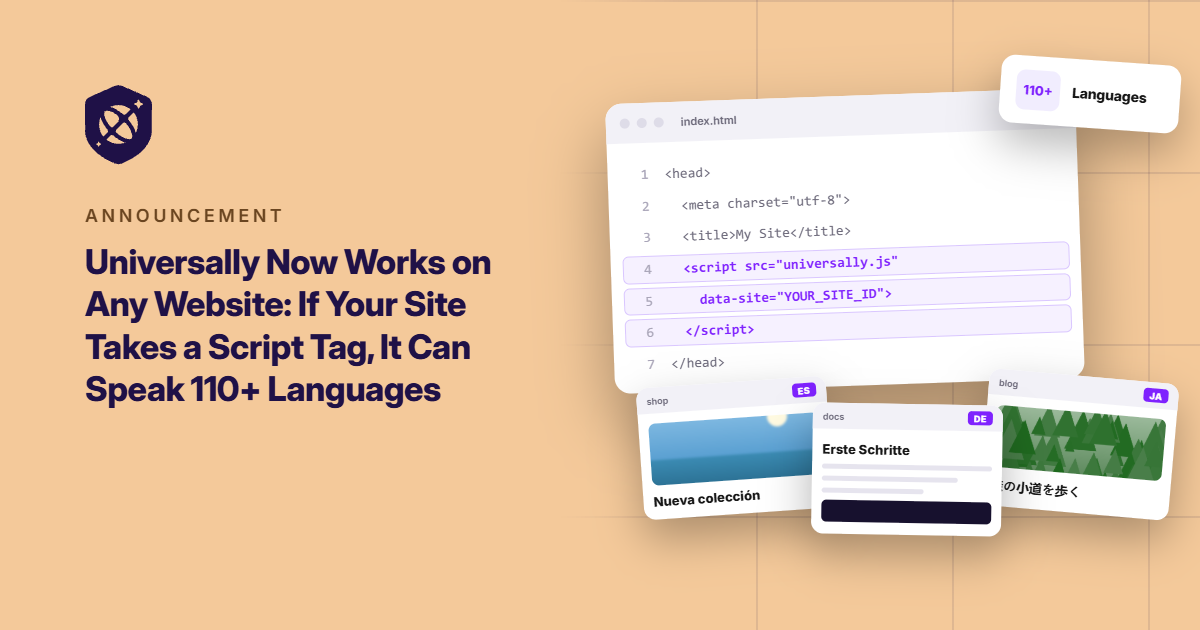
Today, we’re going to change that by introducing Universally for Any Website. A new way to bring AI-powered translation to virtually any website.
Whether your site runs on a website builder, a static site generator, a custom framework, or code written entirely from scratch, Universally makes it possible to offer your content in 110+ languages without rebuilding your site or waiting for a dedicated integration.
If you can add a script tag to your site’s <head>, you can translate your website with Universally.
Here’s what that means for your site.
Built on Anything? One Line Is All It Takes
Every website has its own setup. Some run on popular content management systems, while others are built with modern frameworks or entirely custom code.
Until now, finding a translation solution could mean checking whether your platform was supported before you could even get started.
Universally for Any Website removes that hurdle.
Getting started is straightforward. Create a project in your Universally dashboard, select Any Website under Select Your Technology, and enter your domain, project name, and source language.
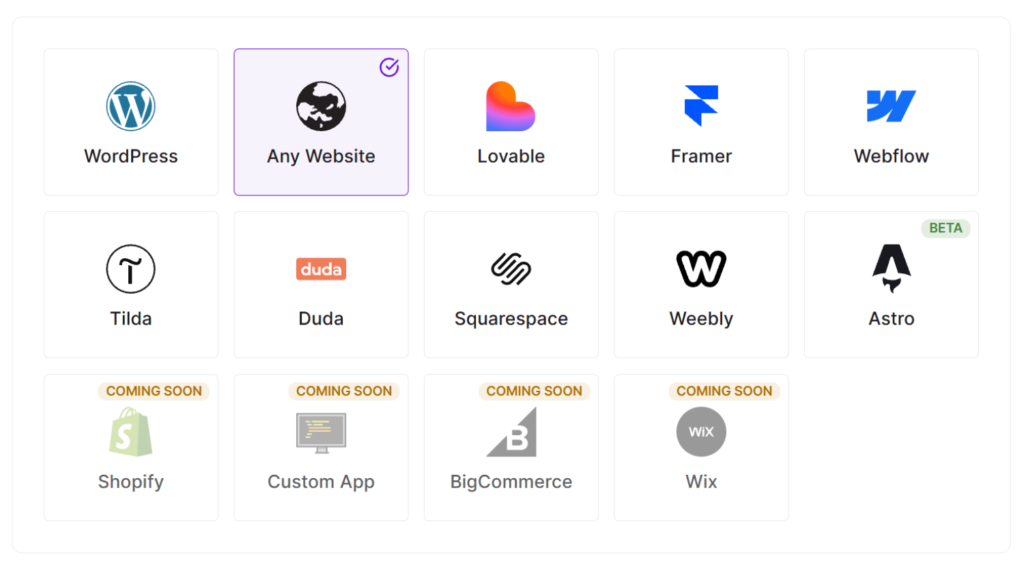
Universally generates a unique script tag for your project. Add it to your site’s <head>, save your changes, and publish. Once you verify the connection in your dashboard, you’re ready to go.
It will look something like this:
<script src="https://scripts.universally.com/p/YOUR_PUBLIC_KEY/s.js" async></script>No plugin to install. No platform-specific integration to wait for. No website rebuild.
And you don’t have to change how you build or manage your site. Universally works alongside the setup you already have.
Want the full walkthrough? Check out our guide to installing Universally on any website.
Two Ways to Serve Your Translations. You Choose.
Getting your website translated is one thing. Deciding how those translations should work is another.
Universally for Any Website gives you two ways to serve translated content, depending on what you’re trying to achieve.
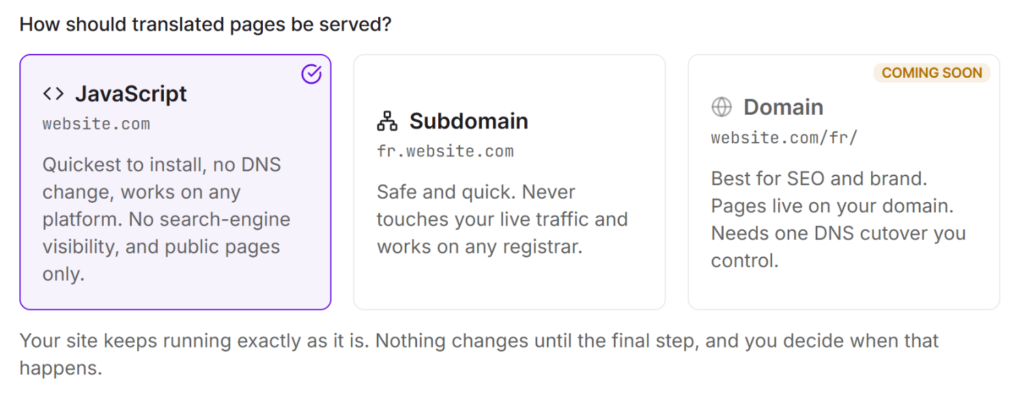
JavaScript mode is the fastest way to go live. There’s no DNS to touch, and it works on any platform.
Visitors pick a language from the switcher in the bottom-right corner, and the page reloads in that language at the same address.
One thing to keep in mind: JavaScript mode covers your public pages and isn’t visible to search engines, so it’s best when you want your site readable in more languages without extra setup.
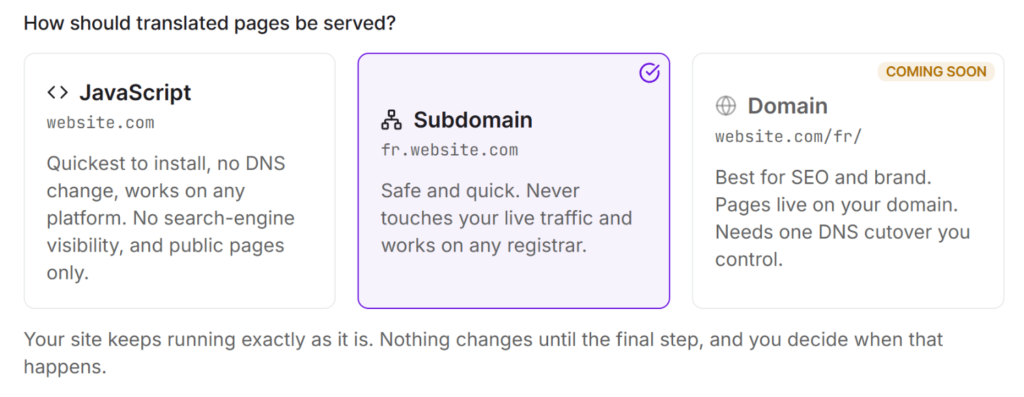
Subdomain mode gives each language its own home, like fr.example.com or de.example.com.
These are real language pages that search engines can index. You add a few DNS records for each language, and your dashboard shows each one’s progress until it reads Live.
The same script tag adds a language switcher that links your language subdomains together.
Not sure which one to pick? You can start with JavaScript mode and move to subdomains later from your project’s Setup page. Just know that the move only goes one way: a Subdomain project can’t switch back to JavaScript.
Language Pages Built for Search, Without Risking Your Main Site
If you’ve chosen Subdomain mode, you’re probably thinking about search visibility. Universally handles the technical details for you.
Each language subdomain gets its own canonical URL and Open Graph URL, rewritten to point to that language’s host. So your French page presents itself as your French page, whether it’s being crawled or shared on social media.
Subdomain mode also never touches the live traffic on your main domain. Your images, CSS, and JavaScript pass through untouched. And if something ever goes wrong on the translation side, visitors simply get your original page instead of an error.
Your original site keeps running as it always has. Your language pages sit alongside it.
Your Website Changes. Your Translations Keep Up.
Getting your website into another language is only the beginning. Your content changes as you publish new pages, update product details, refine messaging, and add new features.
Manually maintaining every language version would quickly become a job of its own.
Universally automatically detects changed text and translates new content, helping your language versions stay in sync as your website evolves.
And when you want more control over the result, you’ve got several options:
- Exclude entire pages: Keep legal pages, region-specific content, or other pages out of translation using URL exclusions.
- Fine-tune translations: Edit individual translations from your dashboard or make changes directly on a live page using the Visual Editor.
- Keep your terminology consistent: Use the AI-powered Glossary and Translation Rules to maintain your brand names and industry-specific terms across languages.
- Choose what gets translated: Exclude specific sections using CSS selectors, whether they’re code samples, customer reviews, or other content you want to leave untouched.
You stay in control of your content. Universally takes care of the work involved in keeping it multilingual.
Ready to Take Your Site Global, Whatever It’s Built On?
Your website might run on a popular CMS, a framework your developer loves, a static site generator, or something built entirely from scratch.
You shouldn’t have to change platforms just to reach a wider audience.
With Universally for Any Website, you can bring context-aware AI translation to your site in 110+ languages, choose how your translations are served, and keep your language versions up to date as your content evolves.
Your website. Your platform. More ways to reach the world.
Universally for Any Website is available now! Get started with Universally for free →
Already running Universally on an unusual platform? We’d love to hear about it. Share your questions, report a bug, or suggest a feature through our contact page.


Add a Comment