
You built your Squarespace site yourself. You picked the template, perfected the layout, added your content, and finally hit Publish.
Now imagine doing all of that again for every language you want to support.
Duplicating pages. Copying and pasting translations. Updating the same announcement in five different places every time something changes. Suddenly, that simple website project doesn’t feel so simple anymore.
What if you could reach visitors in other languages without rebuilding a single page?
That’s exactly what we’re bringing with Universally for Squarespace!
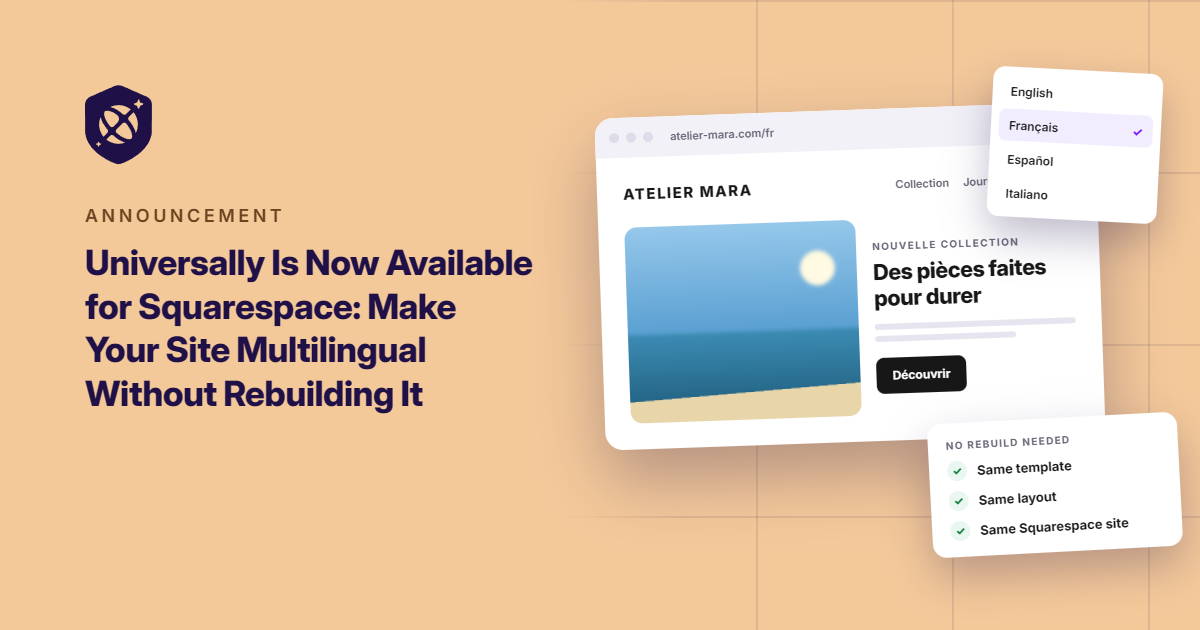
Add one line of code to your site header, and your website can welcome visitors in 110+ languages with context-aware AI translations. No rebuilding pages, no redesigning your site, and no changing the URLs you’ve already established.
Let’s take a look at how it works.
Your Entire Squarespace Site, With One Line of Code
Squarespace makes building a website feel effortless. Your translation setup should feel the same way.
That’s why Universally works with Squarespace’s built-in Code Injection feature. There’s no separate translation plugin to install, no DNS records to configure, and no need to change how you manage your site.
Here’s how to get started.
First, create a new project in your Universally dashboard and select Squarespace as your website technology.
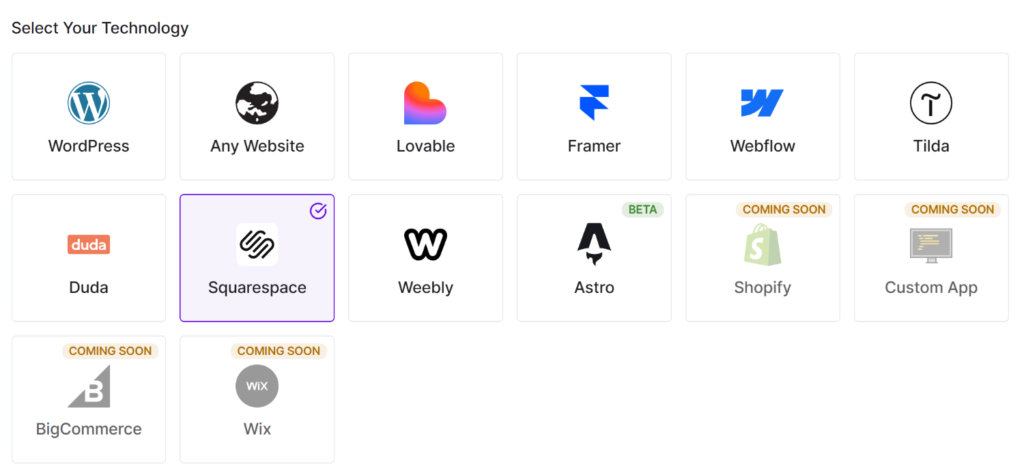
Universally will generate a script tag for your project, ready to copy.
And it will look something like this:
<script src="https://scripts.universally.com/p/YOUR_PUBLIC_KEY/s.js" async></script>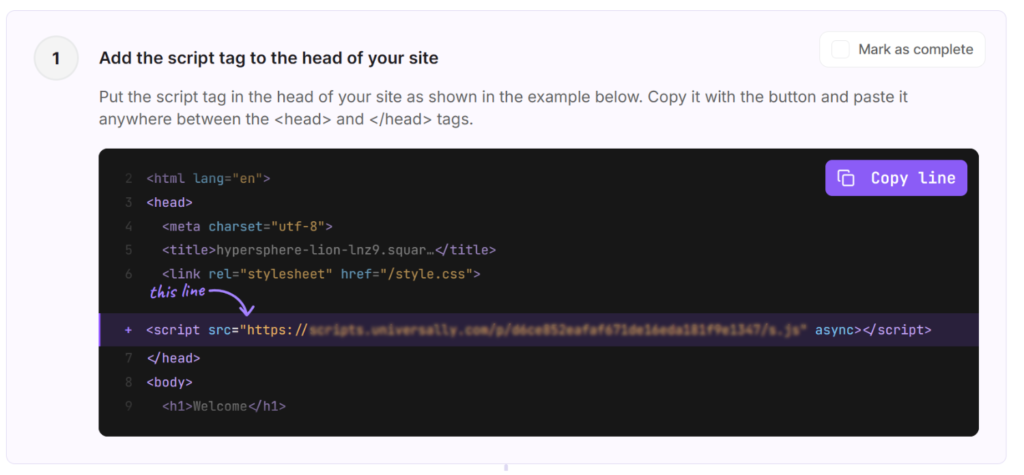
Next, open your Squarespace dashboard and navigate to Website » Pages.
Scroll down, expand Custom Code, and select Code Injection.
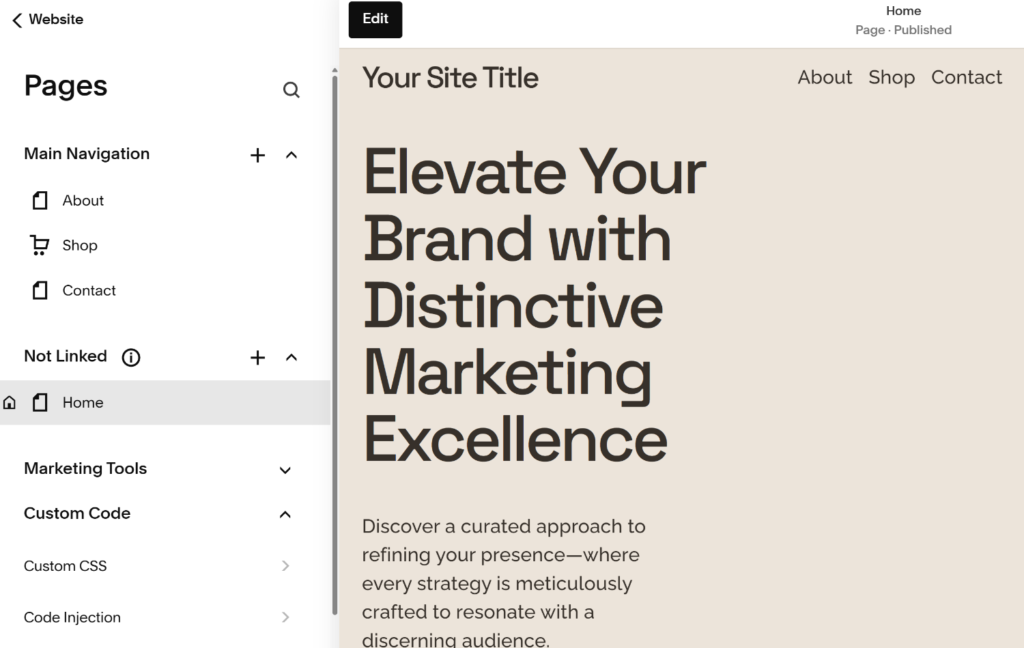
From here, you can paste your script into the Header field and save your changes.
Make sure you’re using the site-wide Header field rather than the code injection settings for an individual page.
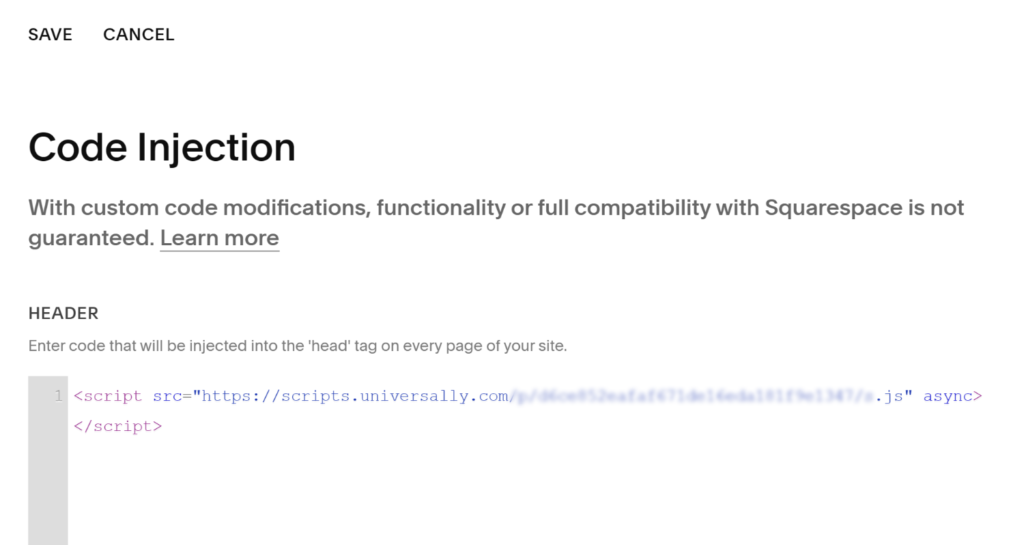
That’s it! Universally is now connected to your Squarespace site.
Code Injection is available on Squarespace’s Core, Plus, and Advanced plans, as well as eligible legacy plans. Need a little more guidance? Follow our step-by-step guide to installing Universally on Squarespace.
Let Visitors Choose the Language That Works for Them
Getting your site translated is one thing. Making those translations easy to find is another.
Universally takes care of that, too.
A language switcher appears in the bottom-right corner of your Squarespace site, giving visitors an easy way to choose their preferred language. There’s no extra block to add or design element to configure.
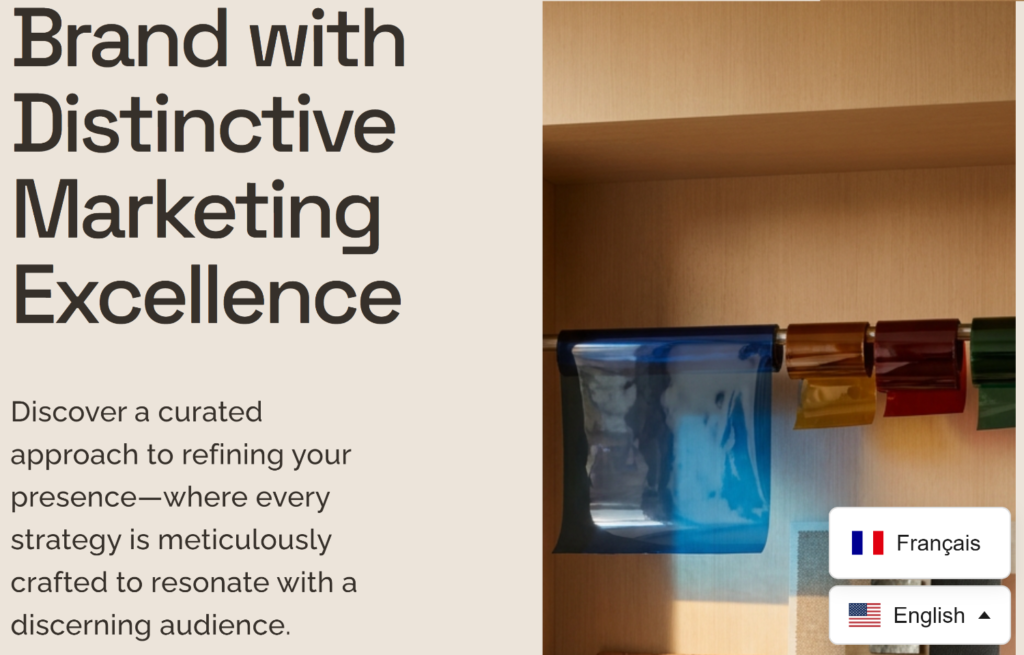
Once a visitor selects a language, the page reloads in that language at the same URL. And when their browser is already set to one of your supported languages, they can see the translated page right away.
Your visitors get a more accessible browsing experience, while your site keeps the structure you’ve already built, including its existing URLs.
Your Translations Keep Up When Your Website Changes
Here’s where things get especially useful.
Your Squarespace site isn’t frozen in time. You update product descriptions, announce new offers, refresh your homepage, and change details as your business grows.
With a manual translation process, every update creates another round of work. Miss one, and visitors browsing in another language could end up seeing outdated information.
Universally helps you avoid that busywork by detecting new and changed text on your public pages and translating it automatically.
That includes page content, titles, meta descriptions, image alt text, and form placeholders. And if a translation needs a little fine-tuning, you can edit it directly from your Universally dashboard.
Your website keeps evolving. Your translations keep up.
Ready to Take Your Squarespace Site Further?
Your website is already doing the hard work of showcasing your business, products, or services. Now, you can make that experience accessible to a much wider audience without taking on the work of maintaining separate versions of your site.
Universally for Squarespace is available now!
Create your project, add one line of code, and start welcoming visitors in 110+ languages.
Get started with Universally for free!
Already using Universally on Squarespace? We’d love to hear how it goes. Share your questions, report a bug, or suggest a feature through our contact page.


Add a Comment