
Every contact in your HubSpot CRM started as a visitor who could read your page. They understood the offer, trusted what it said, and filled in the form.
But your HubSpot site probably speaks one language, and not every visitor does. Someone who reads Spanish or French lands on your page, gets through the headline, and loses the thread after that. Few people will fill in a form on a page they can only half understand.
So they leave. They never become a contact, never get a lifecycle stage, and never make it into your pipeline.
Today, we’re launching Universally for HubSpot, so those visitors can read your site in their own language.
It takes one line of code in your HubSpot settings. From then on, your pages can welcome visitors in 110+ languages with context-aware AI translation, and you still manage a single version of each page in HubSpot.
Here’s the setup, start to finish.
Set It Up Once, and Every Page Is Covered
Adding languages shouldn’t mean changing how you work in HubSpot. So we kept the setup to a single line of code.
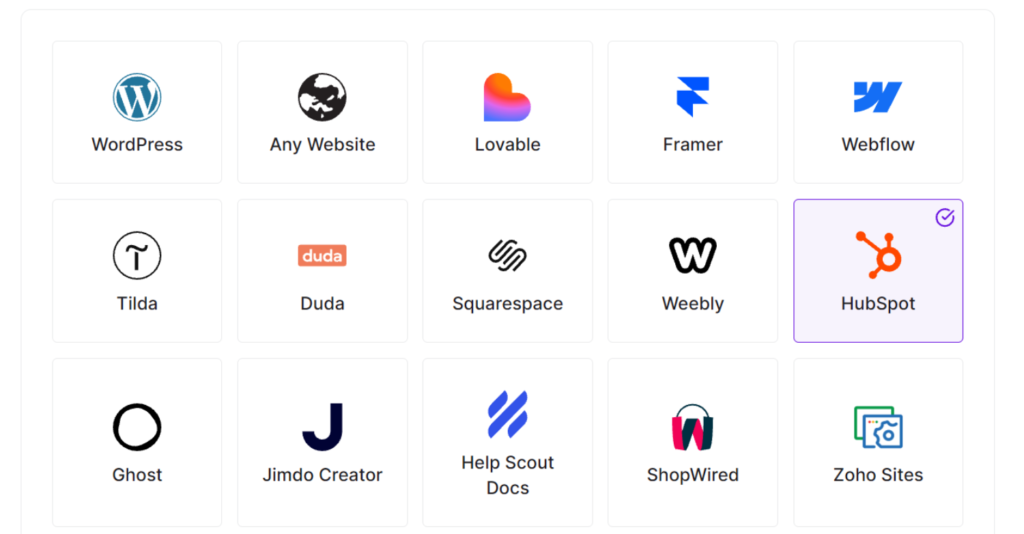
To begin, create a new project in your Universally dashboard. When it asks what you’re translating, pick HubSpot, and the setup steps are tailored to it from there.
Universally then gives you a script tag for your project, ready to copy. It will look something like this:
<script src="https://scripts.universally.com/p/YOUR_PUBLIC_KEY/s.js" async></script>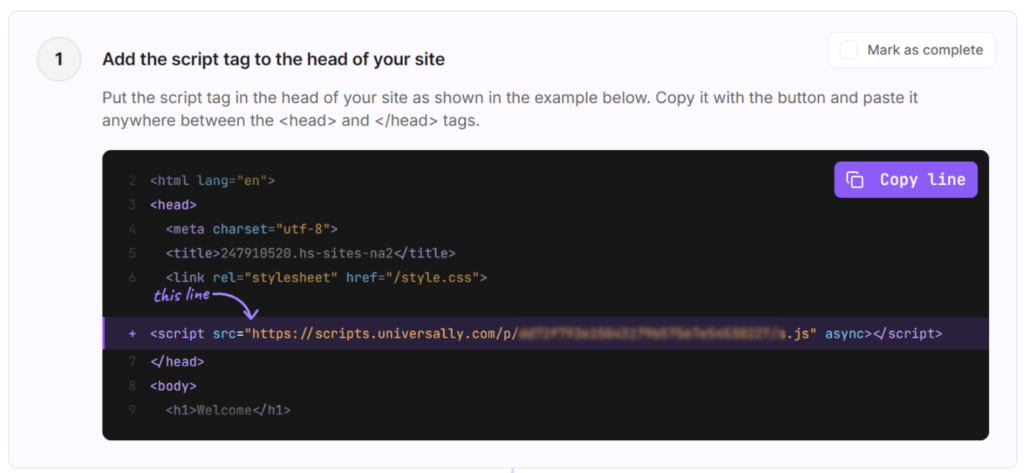
Next, head over to your HubSpot dashboard and select the homepage where you need to add the script tag.
When you are in the page builder, open the Settings and then go to the Languages tab. From there, paste the line into the Head HTML box and save your changes.
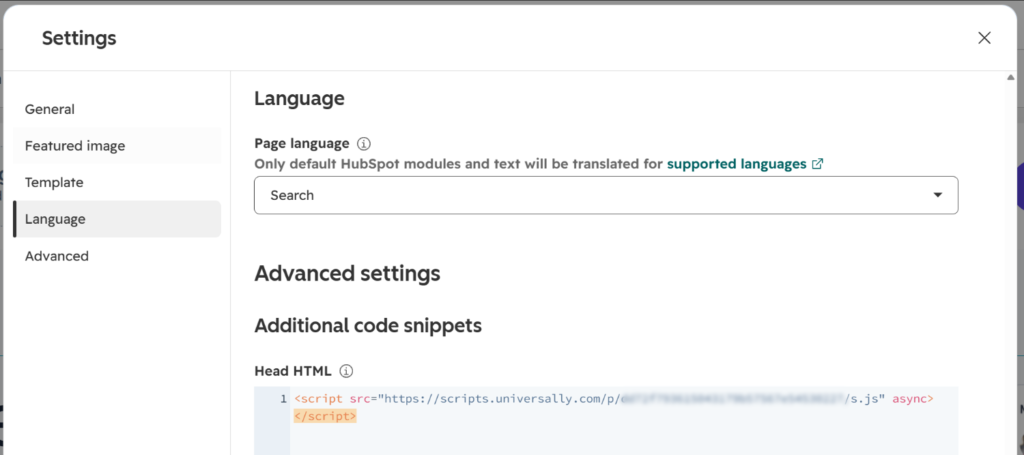
Finally, publish your HubSpot pages so the change goes live. Once the line is on your published site, it starts showing the languages you picked.
A Language Switcher Your Visitors Won’t Have to Hunt For
Translated pages only help if people can find how to switch between them.
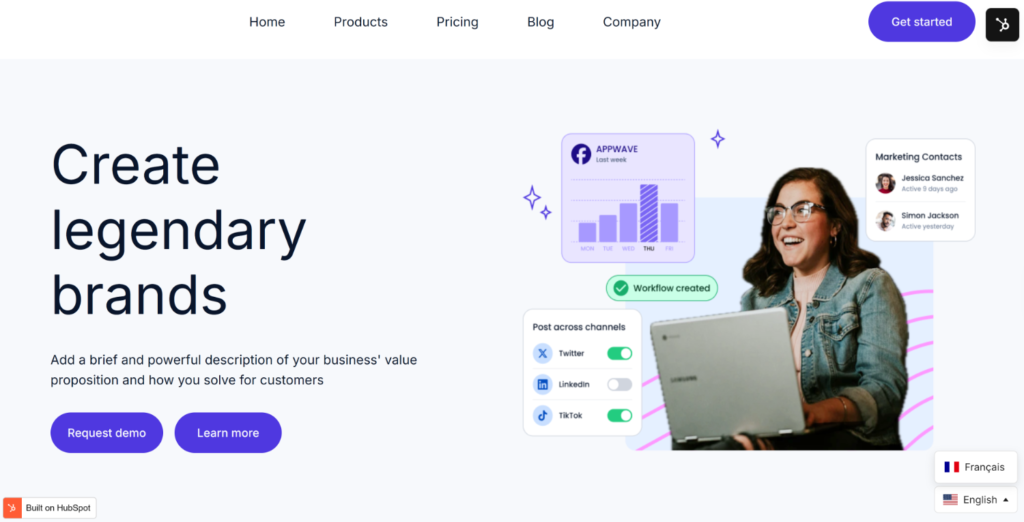
Once Universally is connected, a language switcher appears in the bottom-right corner of your HubSpot pages. Visitors pick their language, and the page shows up translated, including your navigation, headlines, and buttons.
That’s not all. We understand that campaigns rarely sit still. Dates move, prices shift, and the headline gets one more round of edits the night before launch.
When every language lives in its own copy of the page, every edit is a chance for one version to fall behind. And the visitor reading that version has no way of knowing they’re looking at last week’s offer.
Universally detects new and changed text on your public pages and translates it automatically. You edit the page once in HubSpot, and every language follows.
Want to fine-tune a phrase or keep a product name exactly as written? You can edit any translation from your Universally dashboard, or click straight onto the live page with the Visual Editor and adjust the wording in place. Glossary rules keep your brand terms consistent across every language.
You keep improving the page. The translations come along for the ride.
Ready to Launch Your Next Campaign in More Languages?
The next visitor who arrives from another country doesn’t have to stop at your first headline.
Universally for HubSpot is available now!
Create a project, paste one line into your site header, and start welcoming visitors in 110+ languages.
Get started with Universally for free!
Trying Universally on your HubSpot site? We’d love to hear how it goes. Share your questions, report a bug, or suggest a feature through our contact page.


Add a Comment