
You built your website on Zoho Sites, or your online store on Zoho Commerce. Your pages, your products, and your updates all live in one place.
You set it up that way on purpose. Simple to run, easy to update, and no patchwork of extra tools to keep in sync.
Then you decide to reach customers in another language, and that simple setup hits a wall.
Zoho Commerce doesn’t have a built-in way to translate your store. Zoho Sites can do it through subsites, which means a separate micro-site for every language you add, each one waiting for its own updates.
What if your Zoho site or eCommerce store could speak to the world without becoming several sites?
That’s exactly what we’re bringing with Universally for Zoho Sites and Zoho Commerce!
Starting today, one line of code turns your Zoho site or store into a multilingual one, with context-aware AI translation in 110+ languages.
Here’s what’s new.
Your Zoho Store Can Finally Sell in Other Languages
If you sell on Zoho Commerce, this is the big one.
Until now, Zoho’s own answer for a multilingual store has been “use a third-party translator.” Universally is that translator, built to plug straight into your store.
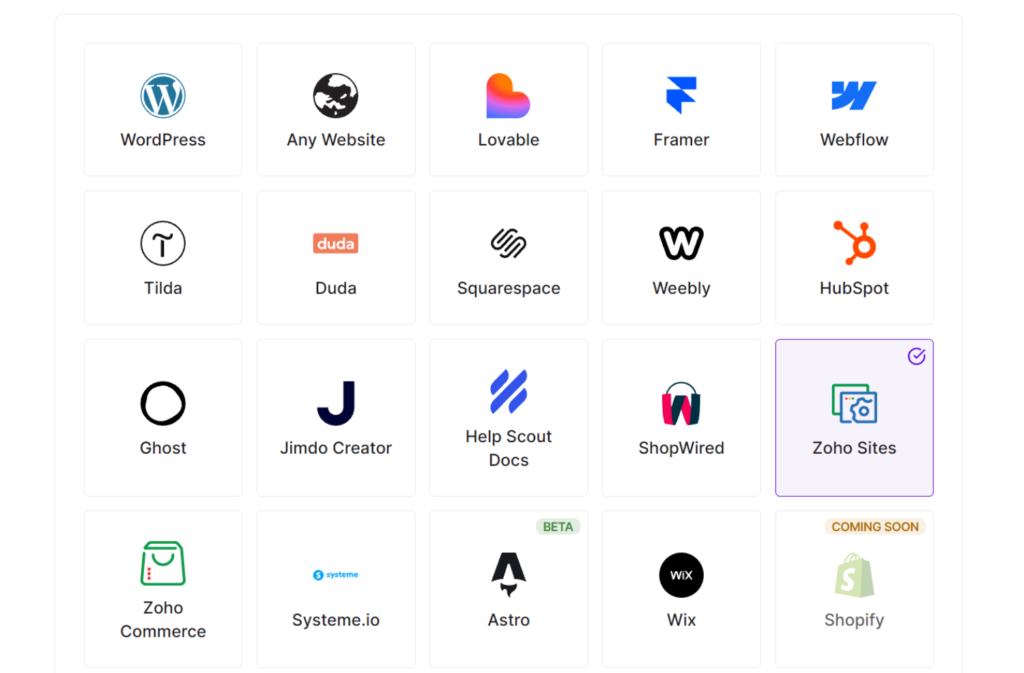
Once it’s connected, shoppers can browse your store in their own language. You keep running your catalog, orders, and stock the way you already do in Zoho. Universally simply makes the storefront readable to people it couldn’t reach before.
No second storefront to build. No copy of your catalog to maintain in each language.
Your store stays one store. It just speaks to more people now.
One Site, Every Language, No Subsites to Juggle
Zoho Sites users get the same upgrade, without the micro-site shuffle.
Instead of building a subsite for every language and keeping each one up to date, you keep the one site you already have. Universally translates it and serves every language from that single version.
When you change a headline, add a page, or update your hours, there’s no list of language versions to work through afterward. Universally detects new and changed text on your public pages and translates it automatically.
Your website keeps evolving. Every language keeps up.
All It Takes Is One Line of Code
The best part? There’s barely any setup to talk about.
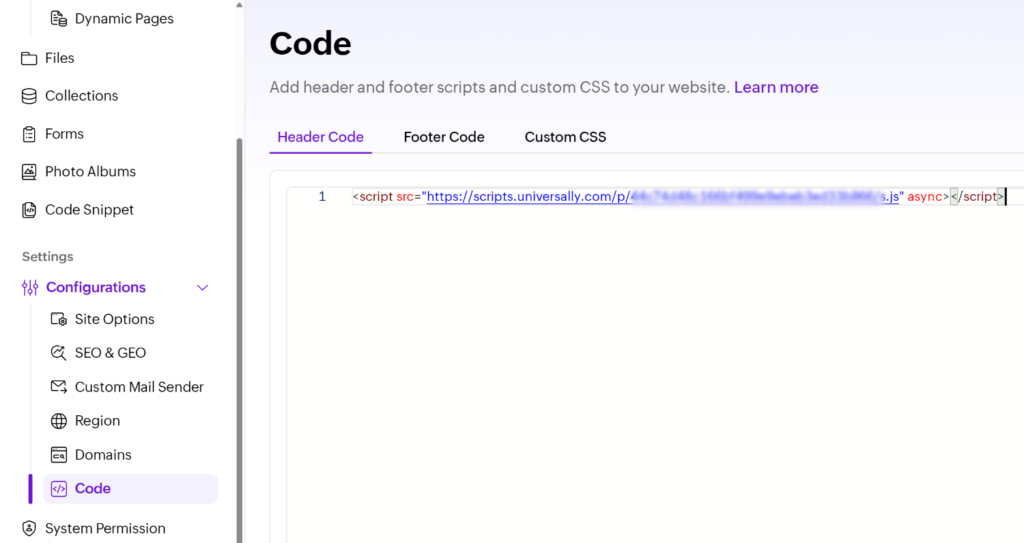
Create a project in your Universally dashboard and pick Zoho Sites or Zoho Commerce. You’ll get one line of code, like this:
<script src="https://scripts.universally.com/p/YOUR_PUBLIC_KEY/s.js" async></script>On Zoho Sites, paste it under Configurations » Code » Header Code. On Zoho Commerce, add it to your store’s header code. Publish, pick your languages, and you’re live.
A Language Switcher, Ready the Moment You Go Live
There’s nothing to design here.
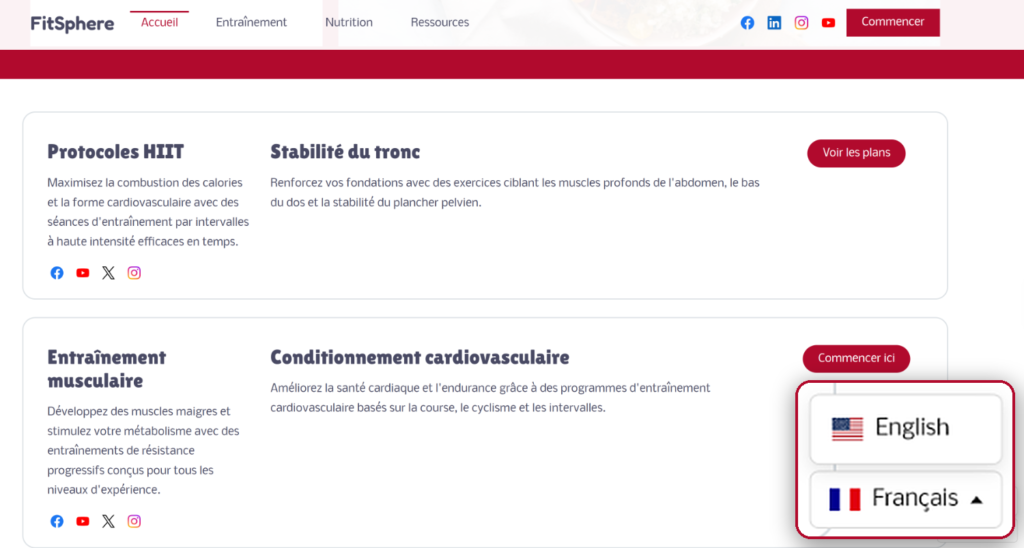
As soon as Universally is running, a language switcher appears in the bottom-right corner of your site.
Visitors pick their language, and the page switches over at the same URL.
No extra element to place, no theme to edit, and no rearranging the design you’re happy with.
Ready to Take Your Zoho Business Global?
You built your business on Zoho, so everything would work together. Now your website can work for customers in their own language, too.
Universally for Zoho Sites and Zoho Commerce is available now!
Create your project, add one line of code, and start welcoming visitors in 110+ languages.
Get started with Universally for free!
Running your site or store on Zoho? We’d love to hear how Universally works for you. Share your questions, report a bug, or suggest a feature through our contact page.


Add a Comment