
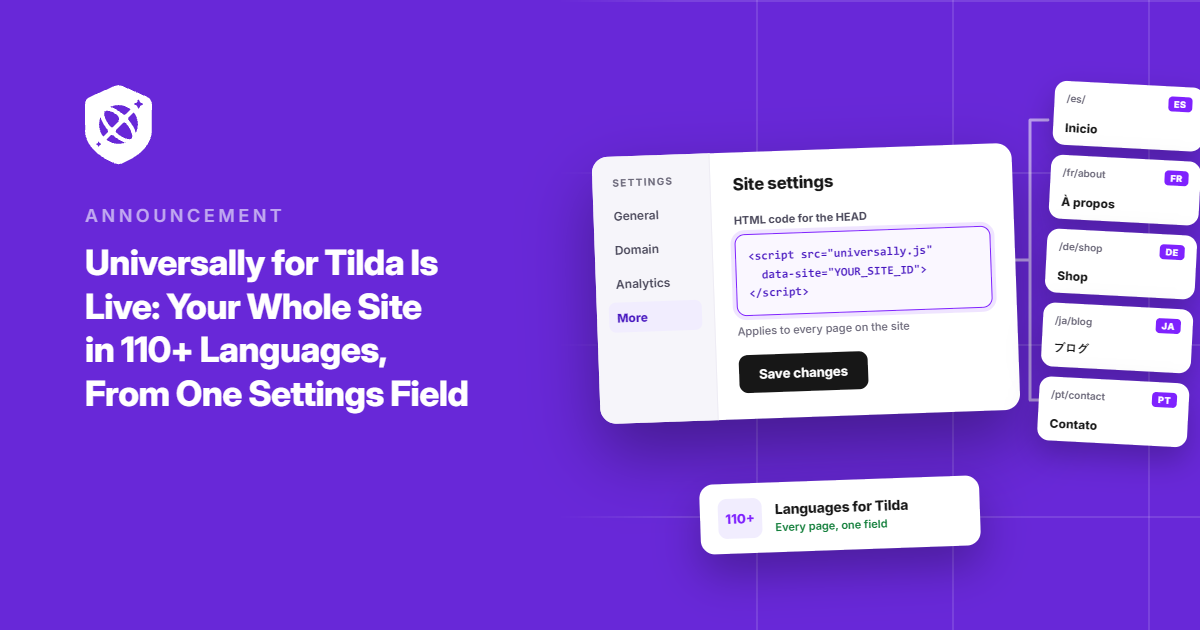
Your Tilda website is ready to welcome the world. Now, it can speak your visitors’ languages, too.
We’re excited to introduce Universally for Tilda, a new integration that makes it easy to translate your entire public website into 110+ languages with context-aware AI.
No rebuilding pages. No maintaining separate versions of your site. And no copying content into spreadsheets every time you need a translation.
Just add one line of code to your Tilda site settings, and you’re on your way to a multilingual website.
Here’s a closer look.
One Line in Your Site Settings, Every Page Covered
You’ve already put the work into building your Tilda site. Its pages, design, and content are exactly how you want them.
Why should reaching an international audience mean starting over?
With Universally for Tilda, you can keep your existing website and make it accessible to visitors in their preferred languages. Your pages, layouts, and URLs stay the same, while context-aware AI translates your content into the languages you choose.
And you don’t have to launch everything at once. Activate a language when you’re ready, review your translations, and expand to more languages as your audience grows.
First, create a new project in your Universally dashboard and choose Tilda under Select Your Technology. Add your domain and project name, confirm your source language, and click Next.
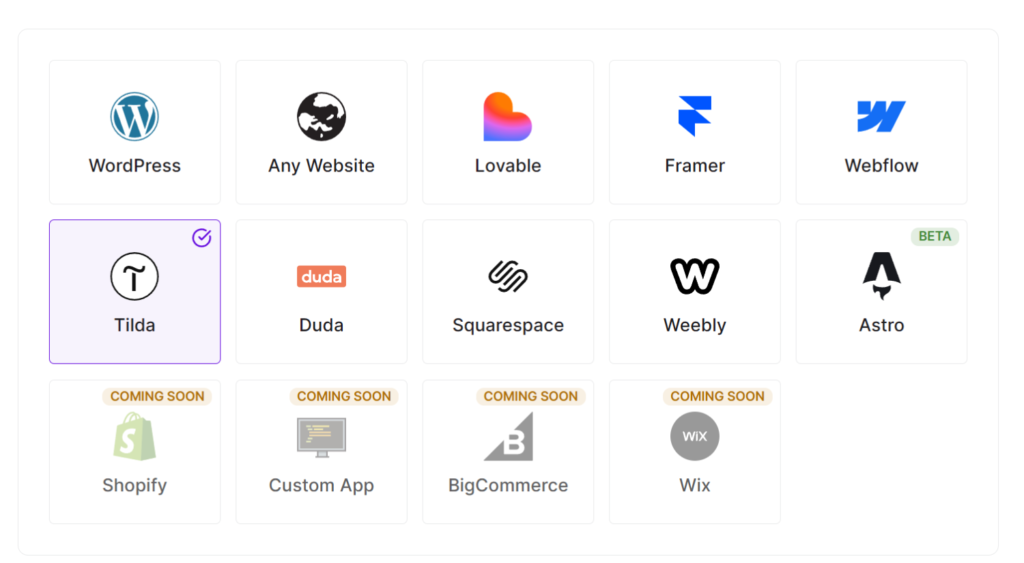
Next, click Copy line to grab your project’s script tag.
It will look something like this:
<script src="https://scripts.universally.com/p/YOUR_PUBLIC_KEY/s.js" async></script>From here, you can enter the script tag in Tilda and go to Site Settings » Insert code » HTML code for the HEAD section and click the Edit code button.
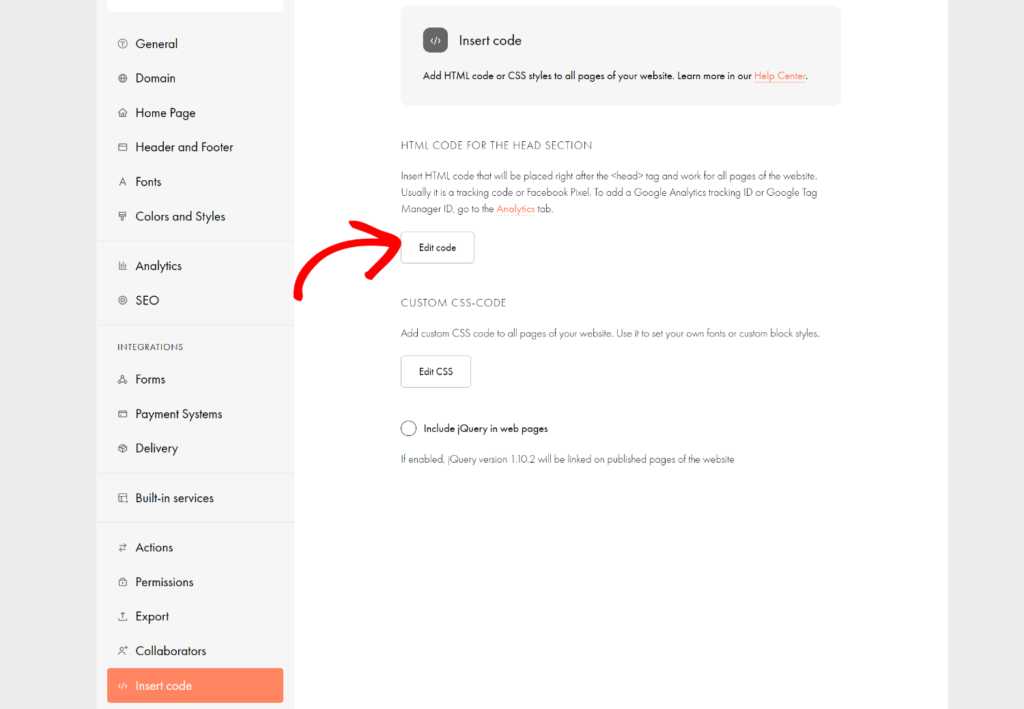
Next, you can paste the script tag in the code section and click Save.
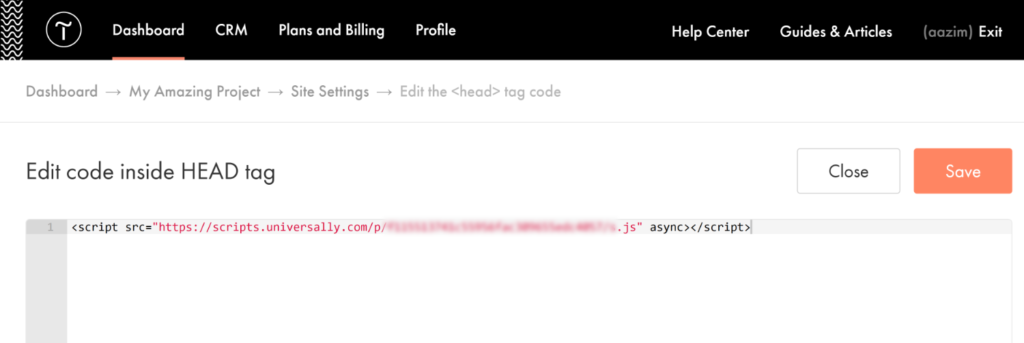
Then republish your pages in Tilda, head back to Universally, and click Check connection. When you see “Found it,” your Tilda site is connected.
Adding head code needs a Tilda Personal or Business plan, and an active Personal trial works too. For more details, follow our guide to installing Universally on Tilda.
Go Live With Each Language When You’re Ready
Connecting your site doesn’t change what visitors see. Nothing switches over until you say so.
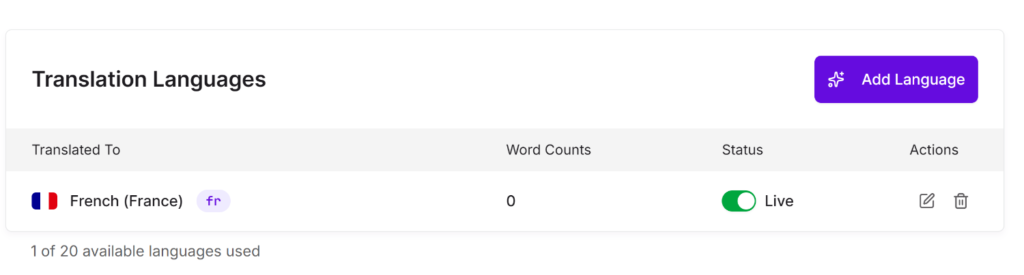
Choose the languages you want to translate into, then turn on each one with its Live switch whenever it’s ready to go. You can launch with one language, review it, and add more later.
Once a language is live, visitors whose browsers are set to it see your translated pages right away. Everyone else can pick a language from the switcher in the bottom-right corner, with flags and language names. You can adjust its position and design from your Universally dashboard.
Choose a language, and the page reloads in it at the same address. One site, every language, no new URLs to manage.
Keep Editing in Tilda. Your Translations Follow.
Your site will keep changing after launch. New pages, a refreshed homepage, a price that goes up, a headline you finally get right.
On a manually translated site, each of those edits starts another round of copying and pasting. Skip one, and visitors reading in another language get the old version.
Universally detects new and changed text on your public pages and translates it automatically. That covers your page text, page titles, meta descriptions, image alt text, and form placeholders.
When you want to fine-tune a line, you can edit it from your dashboard or use the Visual Editor to see your changes on a live preview of the page. And the Glossary keeps your brand name and key terms consistent in every language.
You keep working in Tilda. Universally keeps every language in step.
Keep Your Site. Expand Your Reach.
Your website doesn’t need a redesign to connect with people around the world. Sometimes, it just needs a way to speak their language.
With Universally for Tilda, you can bring context-aware AI translation to your existing site, launch languages on your schedule, and spend less time maintaining translations as your content evolves.
Universally for Tilda is available now! Get started with Universally for free!
Have a question or an idea for making Universally even better? We’d love to hear from you. Reach out through our contact page.


Add a Comment